




In this presentation design video, Jody Wissing spruces up an ugly presentation slide. Starting with a slide chock-full of information, Jody simplifies the text, restructures the content into a timeline, and adds some festive color and design choices.
Subscribe to the CreativePro YouTube channel for more helpful design tips!
This article was last modified on December 4, 2025
This article was first published on December 2, 2025
Commenting is easier and faster when you're logged in!

Recommended for you

Using PowerPoint’s Animated GIF Function
Nolan Haims shows how you can add animated effects to your PowerPoint presentati...
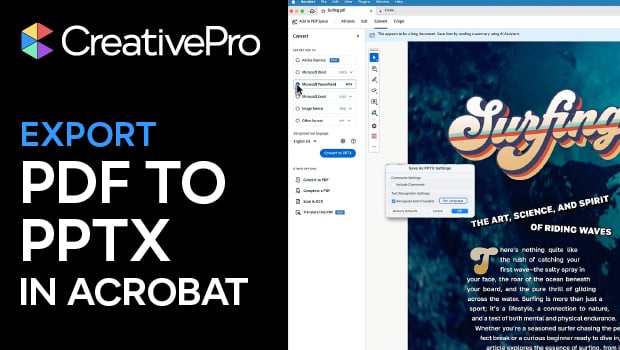
Export a PDF to a PowerPoint File from Acrobat
Editing your PDF file will be a breeze if you export it to PowerPoint, with Chad...

How to Create Alternatives to Bullet Points in PowerPoint
See how “chunking” can be a great alternative to bullet points in a presentation...