


Top Tips of ’25
- Top tips of ’25
- Creative Cloud 2026: Wider Perspectives
- Members-Only Video: 25 Essential Tips and Tricks Every InDesign User Needs
- Work Week Projects: File Handling in Adobe Bridge
- Must-See CP: Video Highlights
- Community Calendar: Upcoming Events
December 2025
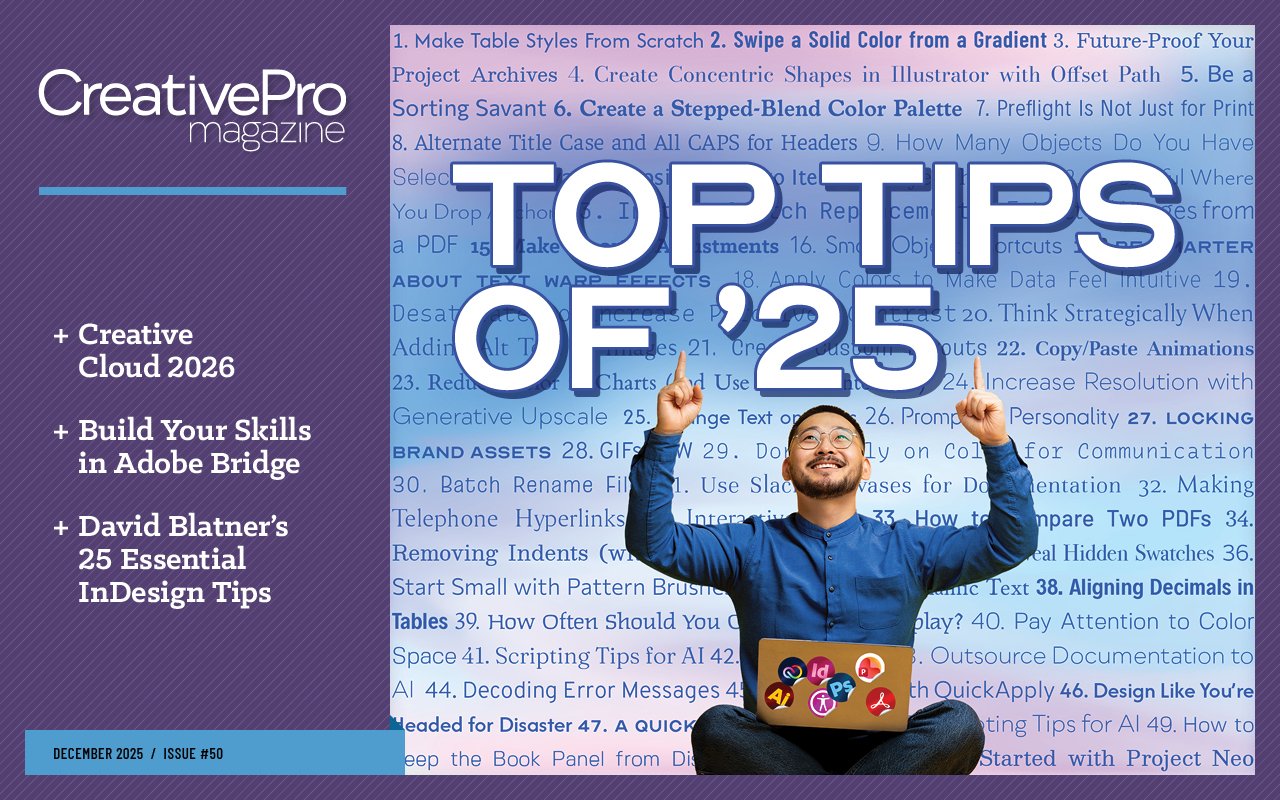

Letter from the Editor
2025 was a pivotal year for CreativePro and one well worth celebrating for many reasons. I was lucky enough to have a front-row seat for all of it. Here are a few of the highlights:
We launched a beautifully redesigned website that makes it easier than ever to find the information and resources you need.
Our podcast got a new name, new hosts, and an expanded scope to encompass all the topics we cover at CreativePro. It’s about a lot more than InDesign now.
On YouTube, we published more than 140 new how-to videos and monthly livestream sessions with Khara Plicanic.
We put on free webinars that were attended by thousands of creative professionals.
We hosted successful online events devoted to presentation design, marketing, accessibility, and AI. And in December, we’ll cap an amazing year of online training with the world’s greatest InDesign event.
In June, CreativePro Week returned to Phoenix for five days of learning in an inspiring desert setting.
And this issue marks a double magazine milestone: the 50th issue of CreativePro Magazine and the 200th issue published by CreativePro (including InDesign Magazine). Just wow.
With all that great stuff in mind, I had the idea of creating a scrapbook to commemorate a great year for the CreativePro community. And that’s exactly what we have for the feature article this month. In it, you’ll find 50 tips and tricks taken from the events, newsletters, videos, magazines, and downloadable resources we published in 2025.
Forgive the pun, but that article truly is just the tip of the iceberg. So, think of it also as an invitation to browse through everything we have to offer and check out anything you might have missed the first time around.
Then, when you’re done looking back, it’s time to look forward to 2026. While we all know that Adobe is doubling down on their investments in generative AI tech, Conrad Chavez notes some significant developments in the latest version of Creative Cloud that did not involve AI at all.
This month’s Work Week Projects are about the powerful file-handling features of Adobe Bridge. You’ll learn how to find, sort, collect, and rename sets of files with maximum efficiency.
In a new members-only video, David Blatner shares 25 essential tips and tricks every InDesign user needs.
This month’s Video Highlights include how to compare two PDFs in Acrobat and how to tell Photoshop to stop bugging you with annoying pop-ups.
Enjoy!

Recommended for you

All-Star Tips
Tips and Tricks Features Hidden in Plain Sight InDesigner: InDesign Magazine Scr…
Inside the Adobe Admin Console
CreativePro Magazine Issue 60 has articles on the Adobe Admin Console, closed ca…
