



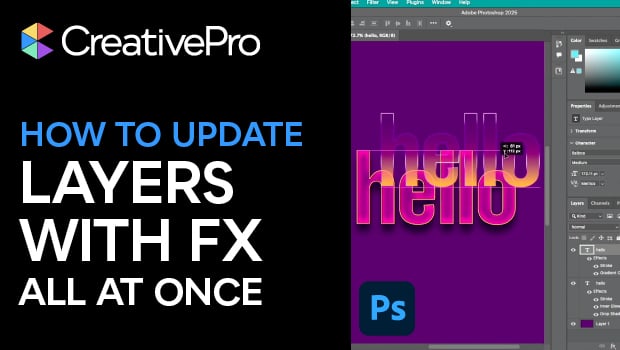
In this Photoshop how-to video, Bart Van de Wiele reveals a smarter way to manage complex layered designs. He demonstrates placing the base text from a separate source file then adding effects on top. When the source file is edited, every linked instance updates automatically with all effects intact. It’s an efficient, time-saving technique that keeps your compositions flexible and fully editable.
Subscribe to the CreativePro YouTube channel for more helpful design tips!
This article was last modified on November 7, 2025
This article was first published on November 8, 2025
Commenting is easier and faster when you're logged in!

Recommended for you

CreativePro Conference Speaker Spotlight: Jesús Ramirez, the YouTube Photoshop King
Welcome to our new series of posts called Speaker Spotlight, designed to highlig...
Members-Only Video: Essential Tips and Tricks Every InDesign User Needs
David Blatner demonstrates some of his all-time favorite tips and tricks for InD...

All-Time Favorite InDesign Tips
Mike Rankin and David Blatner team up to share two dozen of the most useful InDe...