



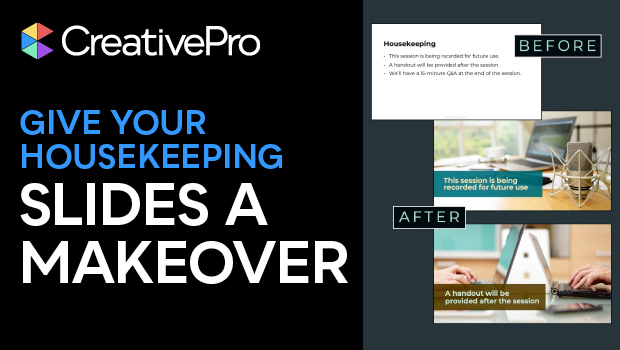
In this presentation design how-to video, Jody Wissing talks about the dreaded housekeeping slide. She shows you how to deliver all the essential info — like timing, breaks, Q&A, and tech tips — without ever uttering the word “housekeeping.” Learn how to naturally weave these details into your presentation in a way that feels engaging, seamless, and participant-focused.
Subscribe to the CreativePro YouTube channel for more helpful design tips!
This article was last modified on October 30, 2025
This article was first published on October 7, 2025
Commenting is easier and faster when you're logged in!

Recommended for you
Work Week Projects: Customizing PowerPoint
Five quick exercises to do while you're at work to make working in PowerPoint mo...
Duplicate Formatting with These PowerPoint Tools
Use the Format or Animation Painters to apply styles with a single click!

Editor’s Picks for The Presentation Design Conference 2026
Our Editor in Chief lists his five must-see sessions at The Presentation Design...