


Before&After: Picture Your Group
Have a dozen or more mug shots? A grid of squares gets that gang of yours looking good—together.


We humans have different faces, hairstyles, body builds, clothing. So how do we picture a group of us? The key to a great design is to get the scale, cropping, and backgrounds of your photos as similar as possible, then arrange the results on a neat grid. This 9-page article from issue 47 of Before&After Magazine inspires you to use a grid of squares to get a dozen or more mug shots looking good together..
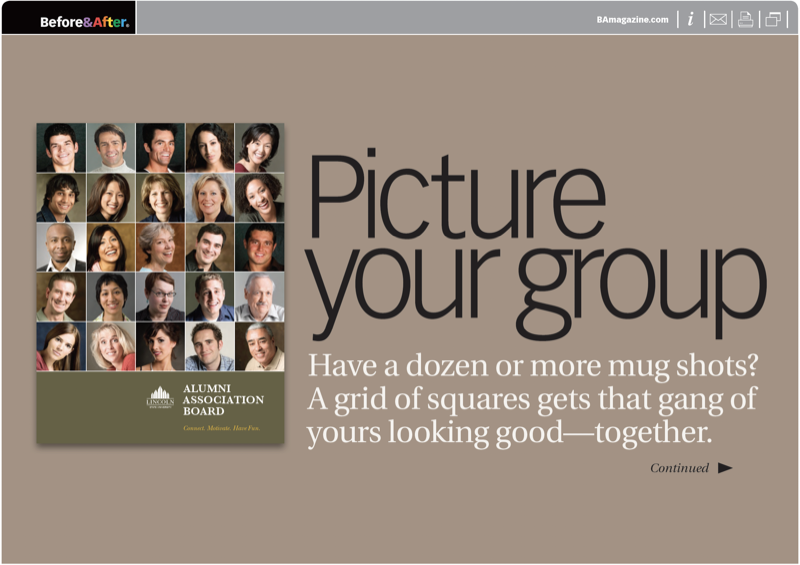
Get your photos looking as similar as possible. Heads should be the same size, eyes at the same level, backgrounds smooth as possible.
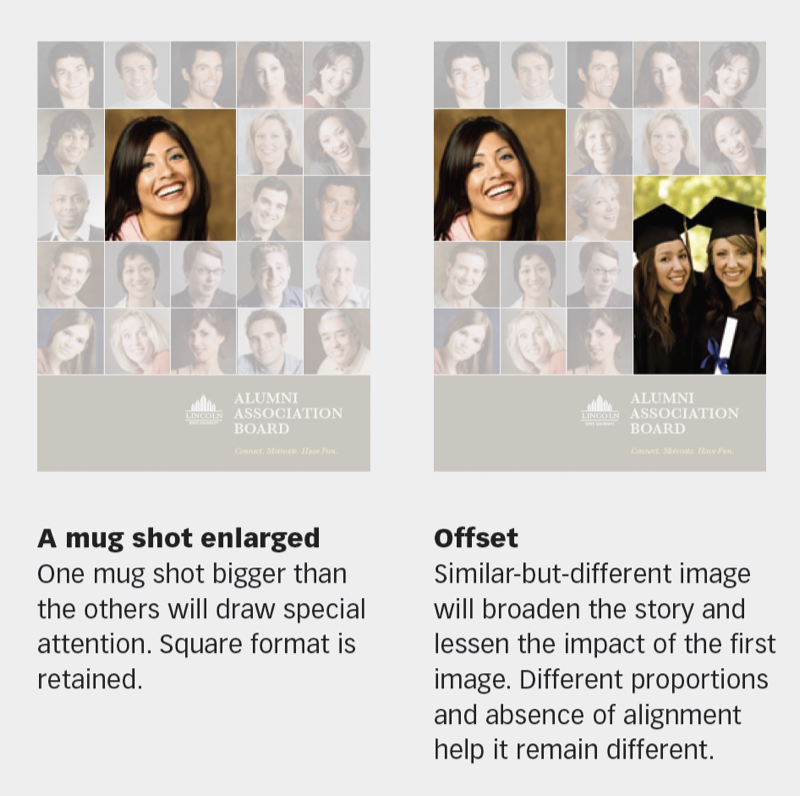
© John McWade/Before&After Magazine, courtesy of Gaye Anne McWade.
Commenting is easier and faster when you're logged in!

Recommended for you

Before&After Design Tip: Use Text to Supplement an Image
Turn a problematic image into a powerful one
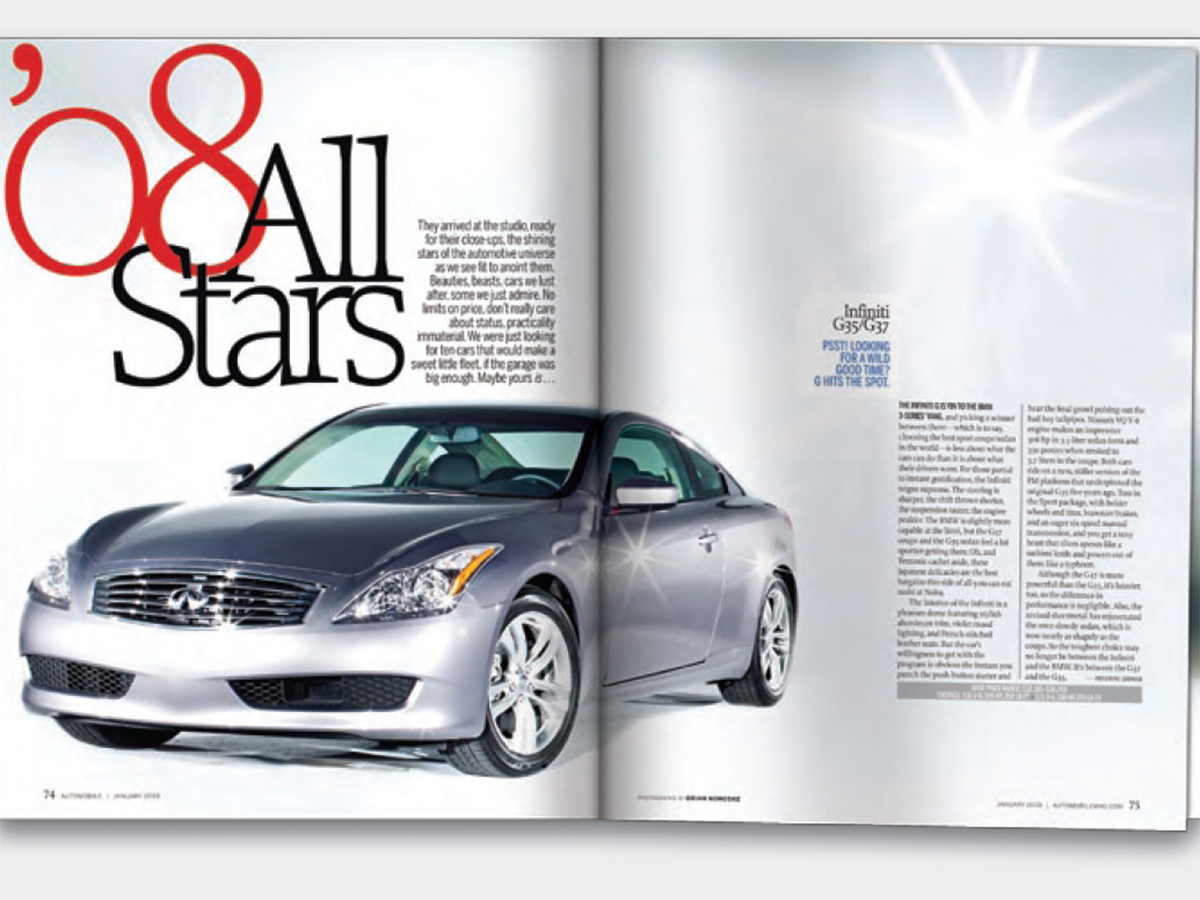
Before&After: Design a Showroom-Style Presentation
This auto magazine feature layout is a fair illusion of walking page by page thr...
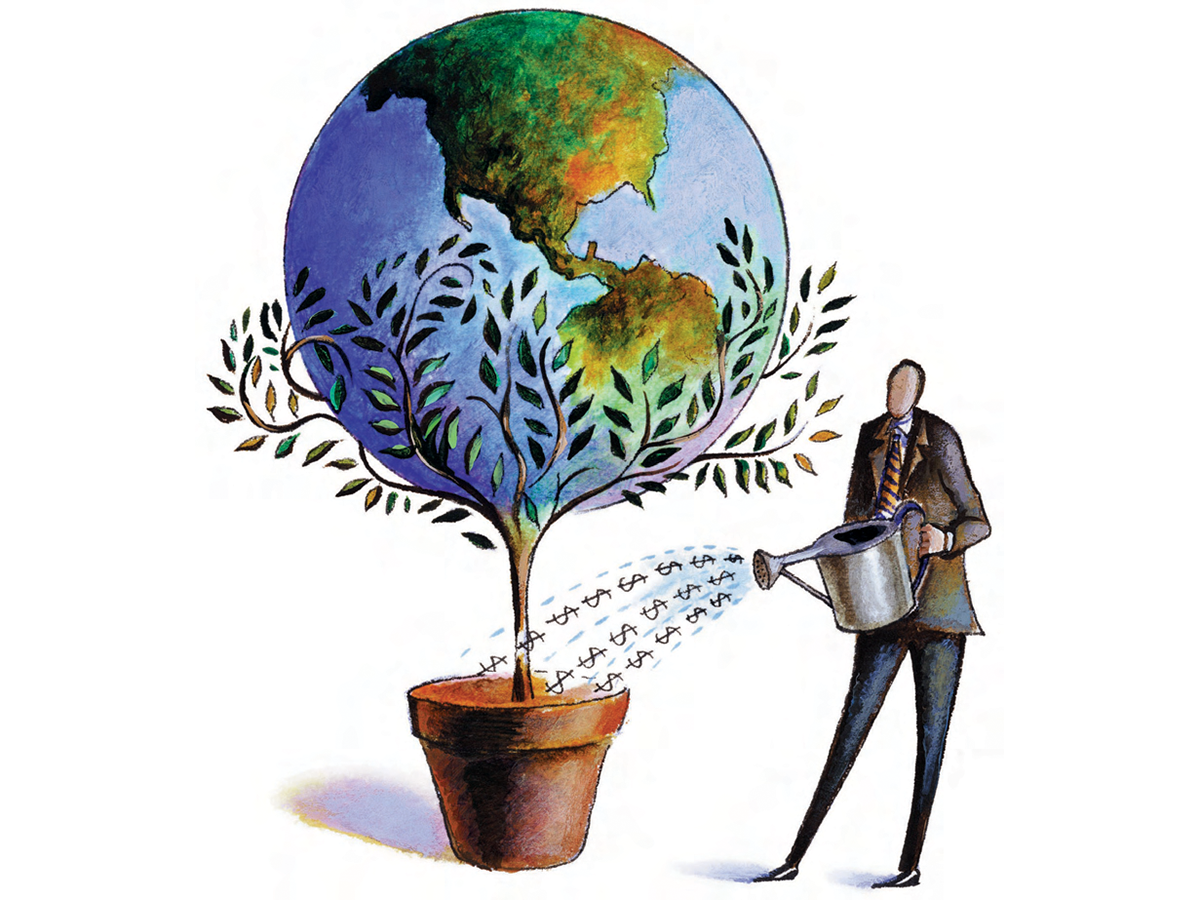
Before&After: Design Without Rulers
Put away your ruler; here’s how to design the way you see!