



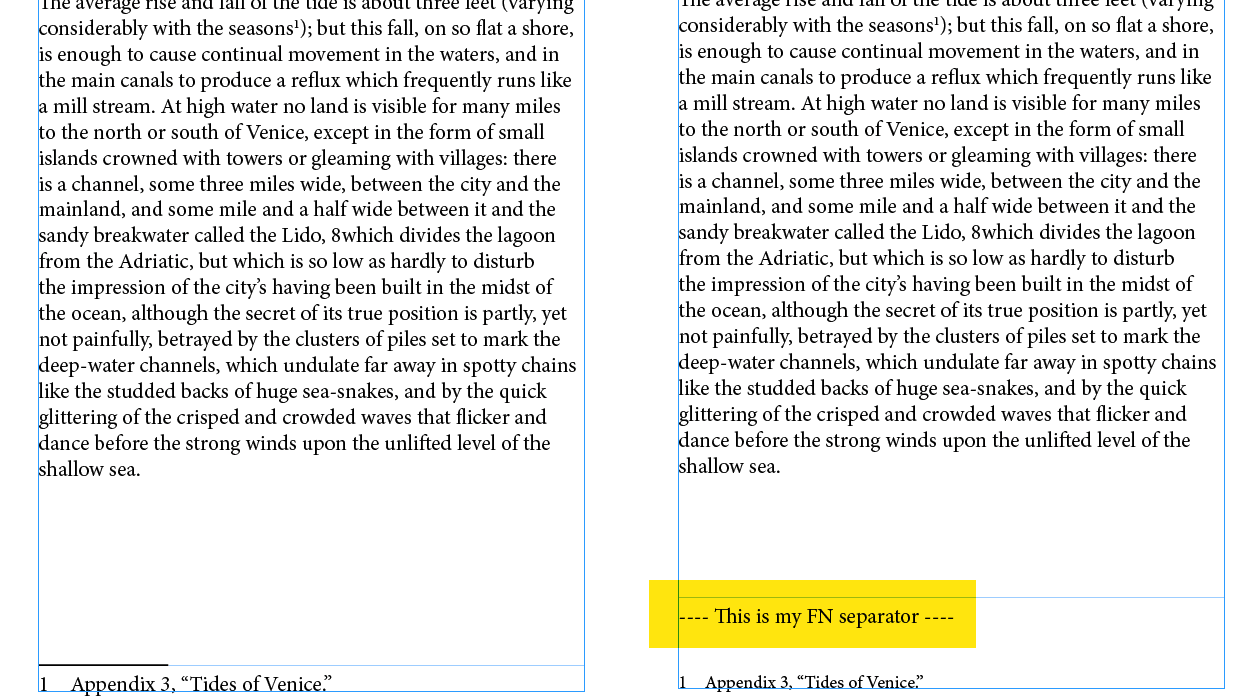
The options for footnote formatting in InDesign haven’t changed much since the feature was introduced many years ago. One limitation that bothers some users is the basic options for formatting the separator that appears between the footnotes and the body text.
If you’re one of those people, you might want to download this script, written by Anantha Prabu. When you run it, the script turns off the default separator line, and its place inserts a line of text formatted in a new paragraph style. This makes it easy to have text or an anchored graphic appear above your footnotes.
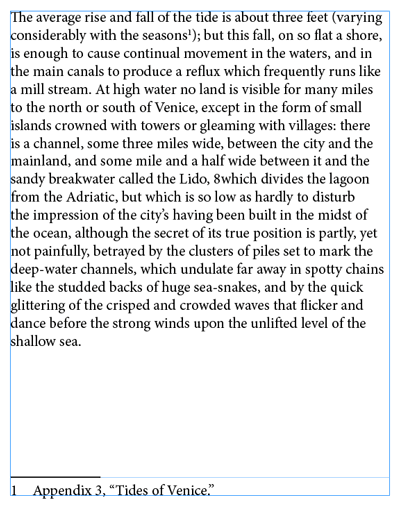

Note that you can edit the script to change the text that it inserts.

This article was last modified on August 29, 2025
This article was first published on August 15, 2025
Commenting is easier and faster when you're logged in!

Recommended for you

Footnote Breakline: Set Multiple Footnotes on the Same Line
It’s not possible in InDesign to do inline footnotes, that is to say, to p...
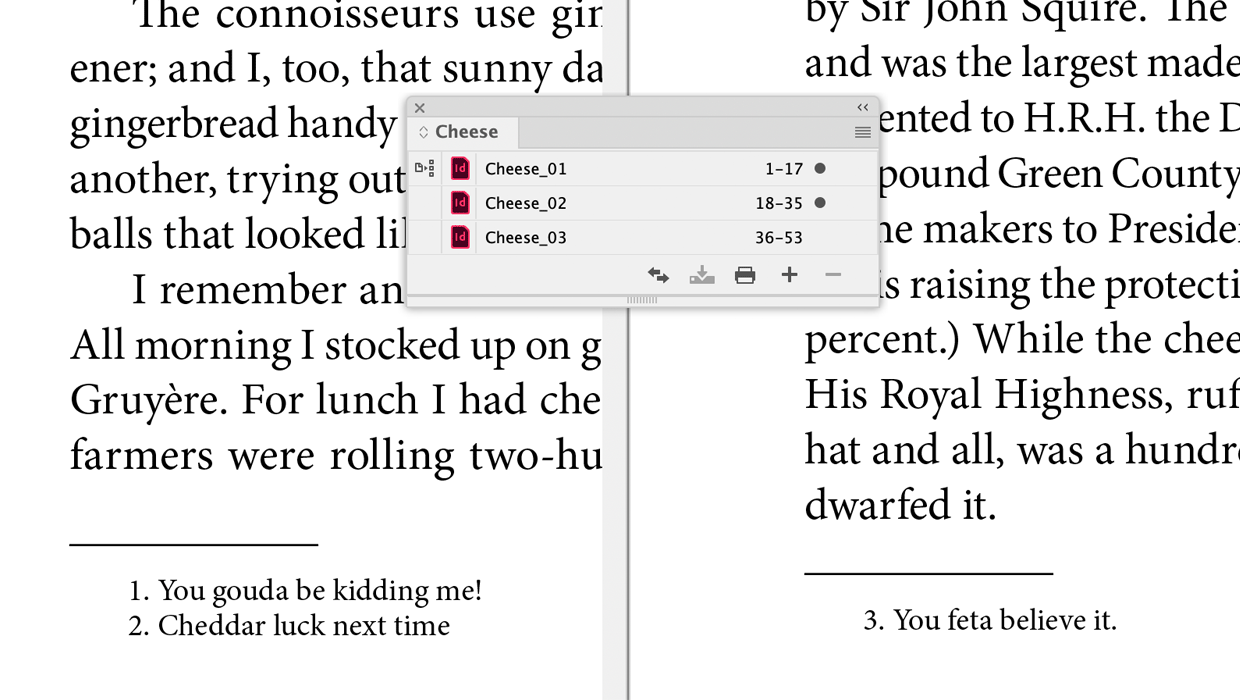
A Script to Continue Footnote Numbering Across Book Documents in InDesign
Free script to makes it easy to manage footnote numbering in complex book docume...
How to Use GREP and Scripts to Create Footnotes in InDesign
Learn how to take an InDesign document with no formatting and create a finished...