


Before&After: A Single Row of Photos Carries Your Reader from Here to There

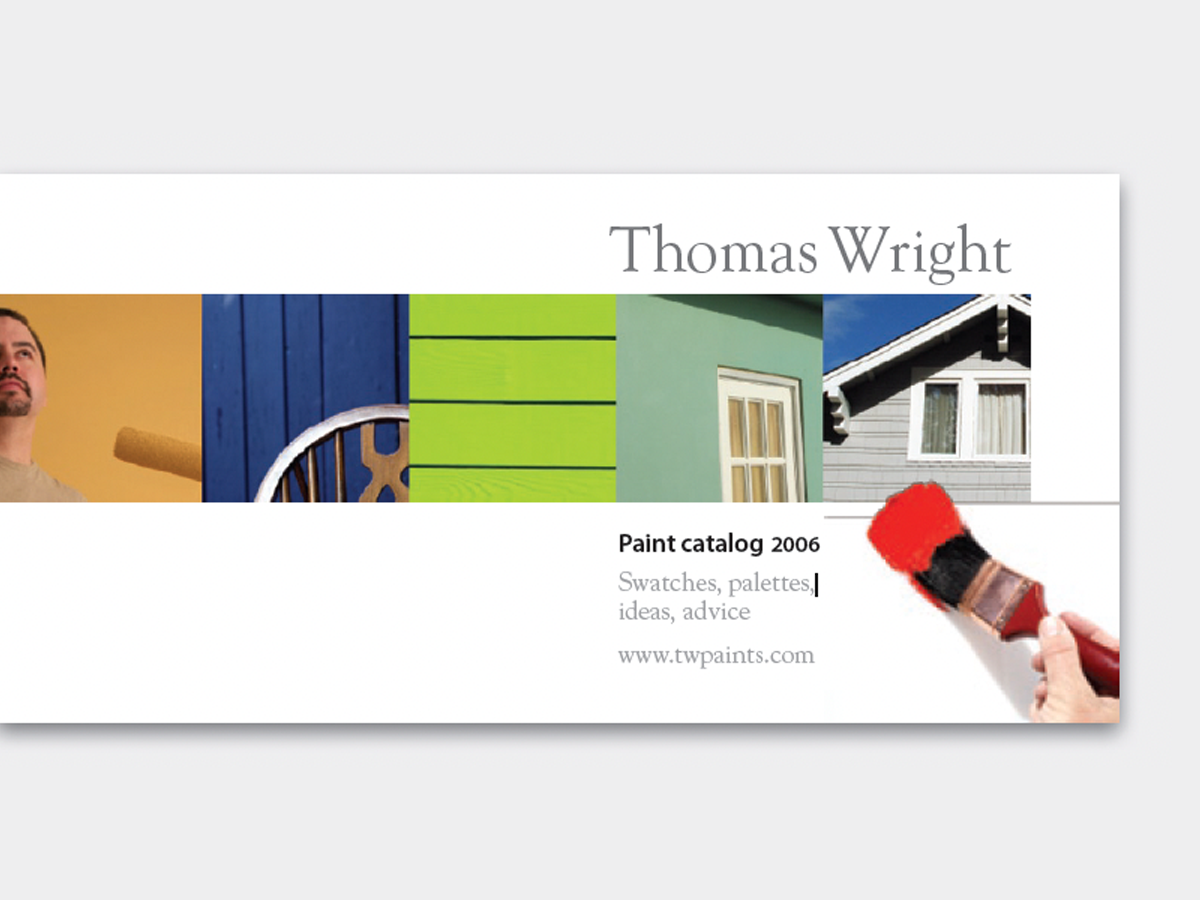
It’s out-of-the-ordinary, attractive, and easy, too—a single row of photos carries your reader from here to there. Put your copy on the right, and the reader’s eye will follow the path directly to it. This 12-page article from issue 42 of Before&After Magazine will instruct you how to use this easy method to make your message stronger: Turn your page sideways, and line up a half-dozen (or so) identically sized Photos, starting at the left edge..
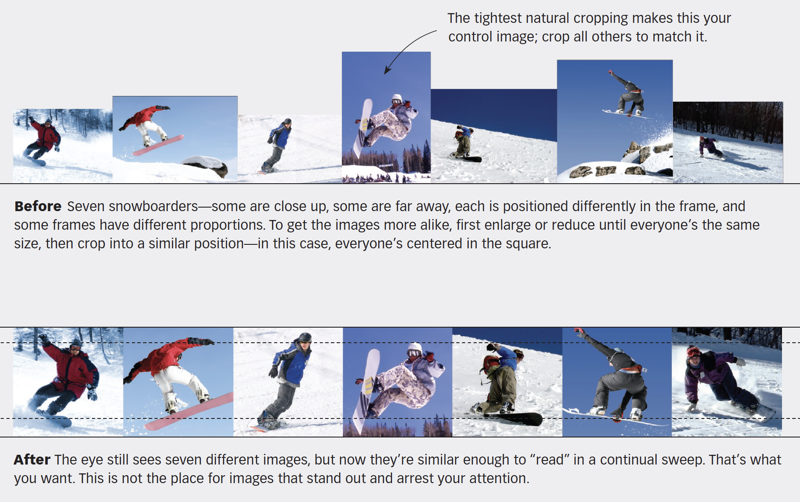
A picture path is most effective when its images are similar enough that the eye just glides along. Size, cropping and alignment are key
© John McWade/Before&After Magazine, courtesy of Gaye Anne McWade.
Commenting is easier and faster when you're logged in!

Recommended for you
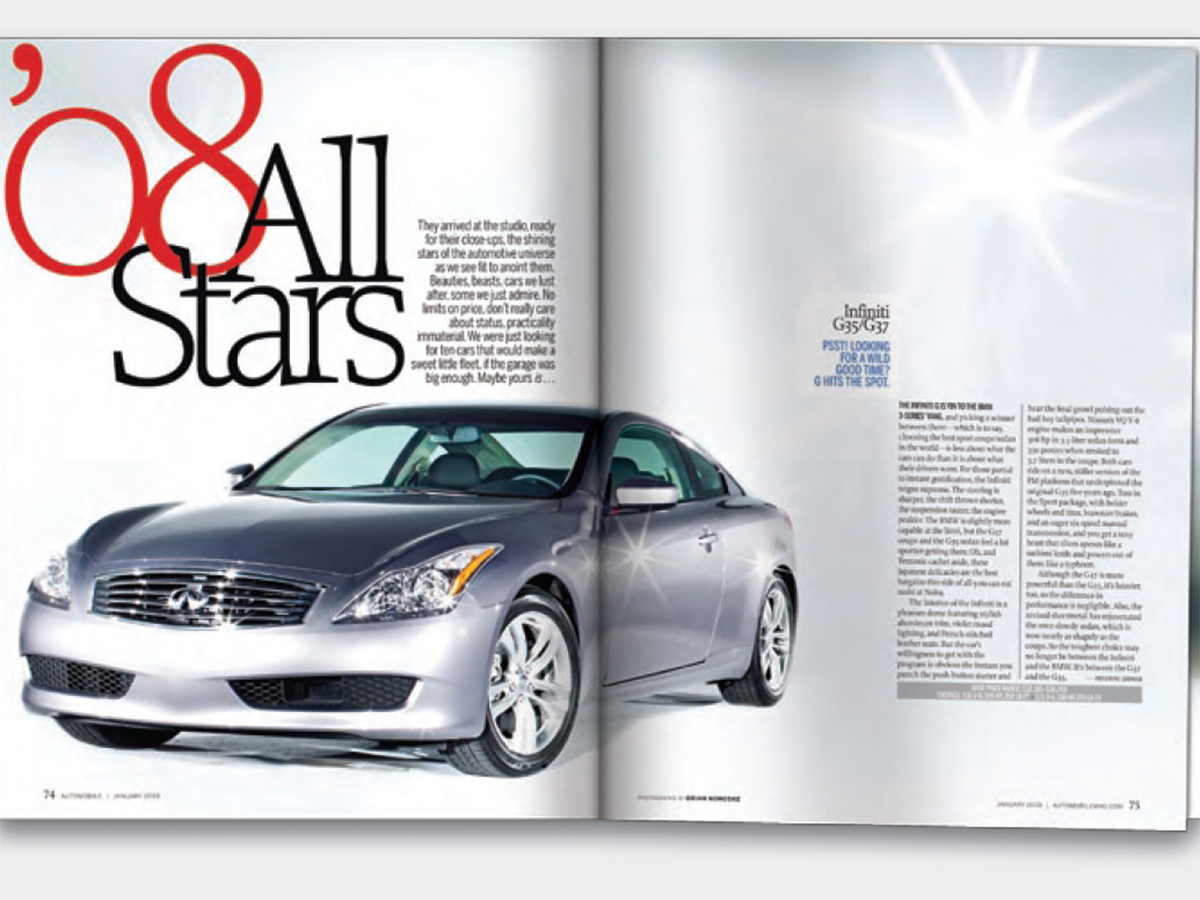
Before&After: Design a Showroom-Style Presentation
This auto magazine feature layout is a fair illusion of walking page by page thr...
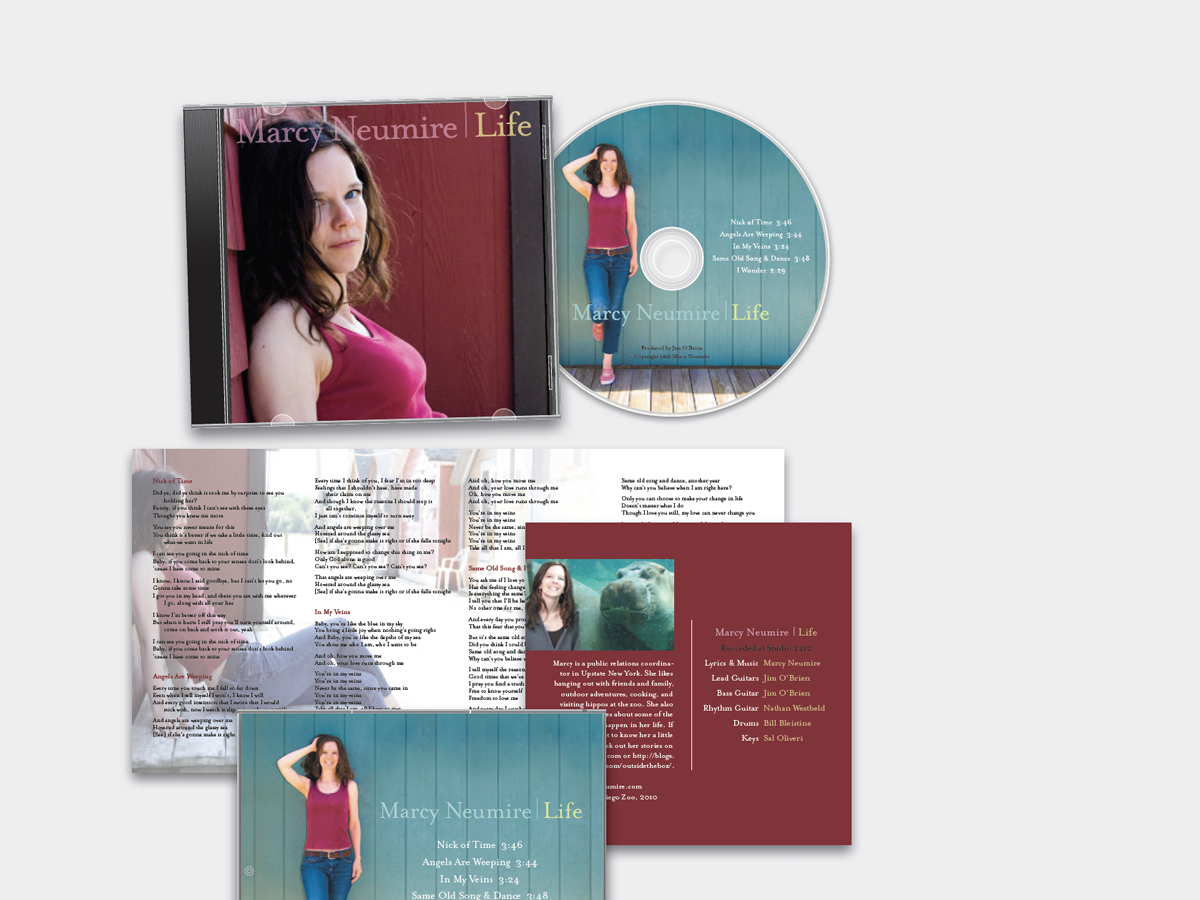
Before&After: Design a CD/DVD Package
We redesign a CD package to make it look as good as the music sounds.
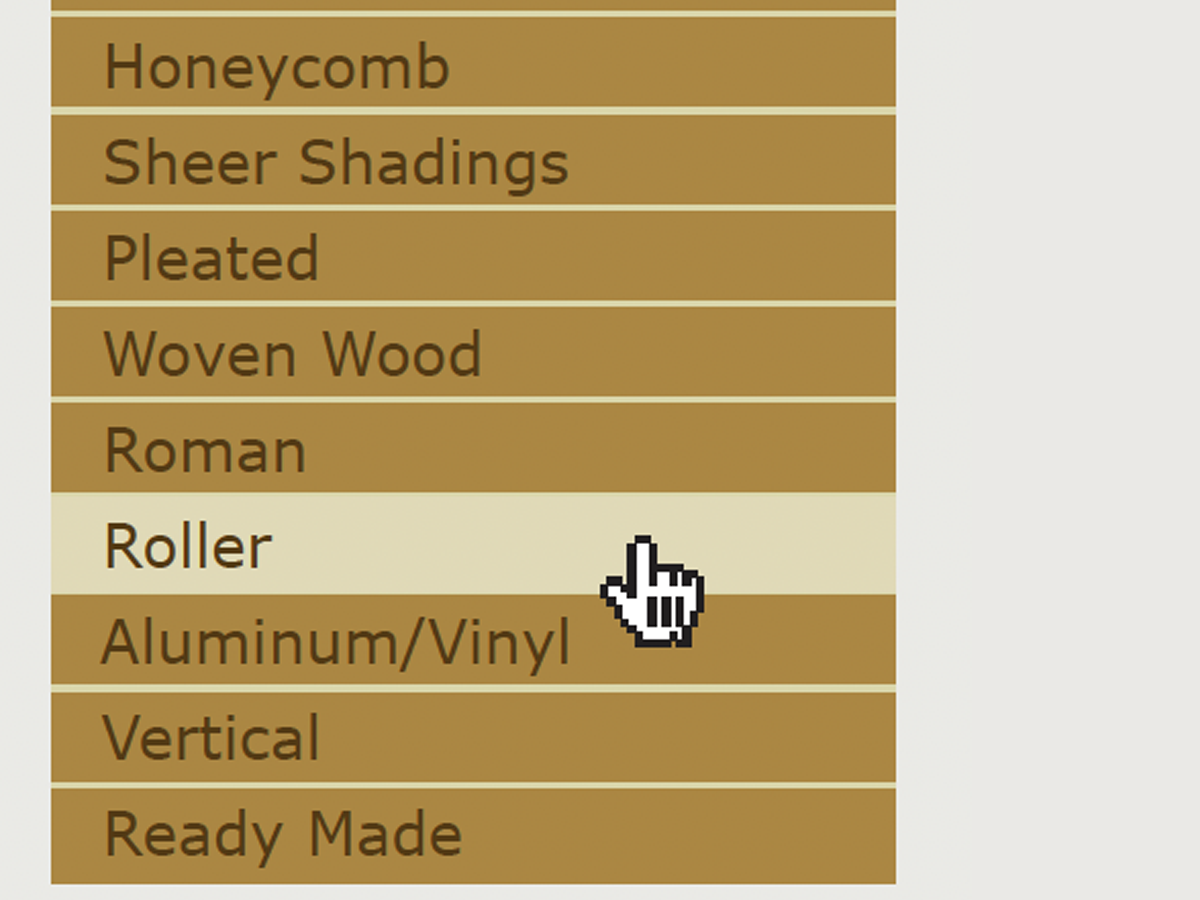
Before&After Design Tip: Signify Hierarchy With Color
Here’s a quick tip on color usage in web design from issue 42 of Before&After Ma...