


Before&After: How to Design a Second Page
You've designed a beautiful outside. How do you follow it up inside? Simply.


The key is simplicity! The second page should be a lesser and simpler version of the first. This 16-page article from issue 40 of Before&After Magazine gives you four ways to follow up a beautiful cover with a great design on the inside of your piece.
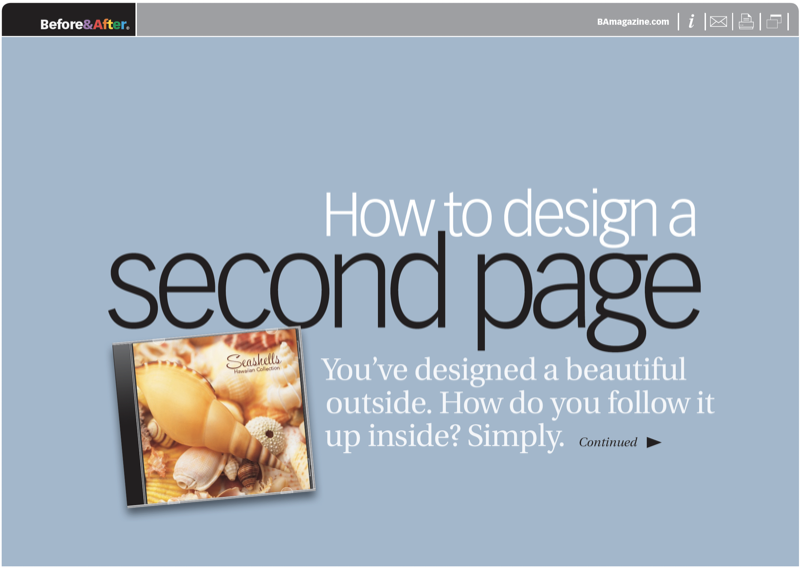
When your cover has a strong focal point, mask its background and bring it inside. Alone on a white canvas, it will stand out in striking relief.
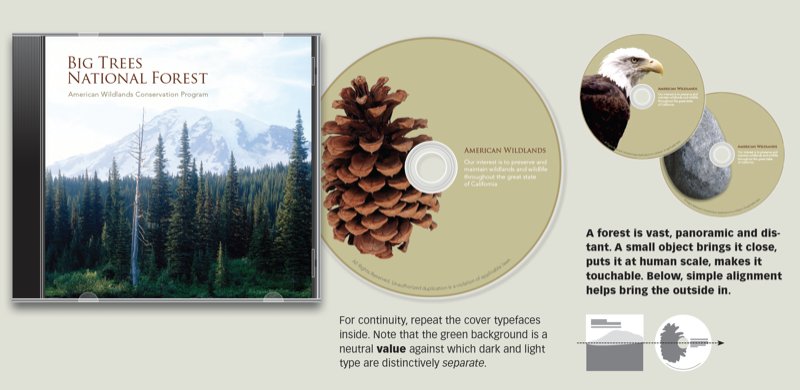
© John McWade/Before&After Magazine, courtesy of Gaye Anne McWade.
Commenting is easier and faster when you're logged in!

Recommended for you
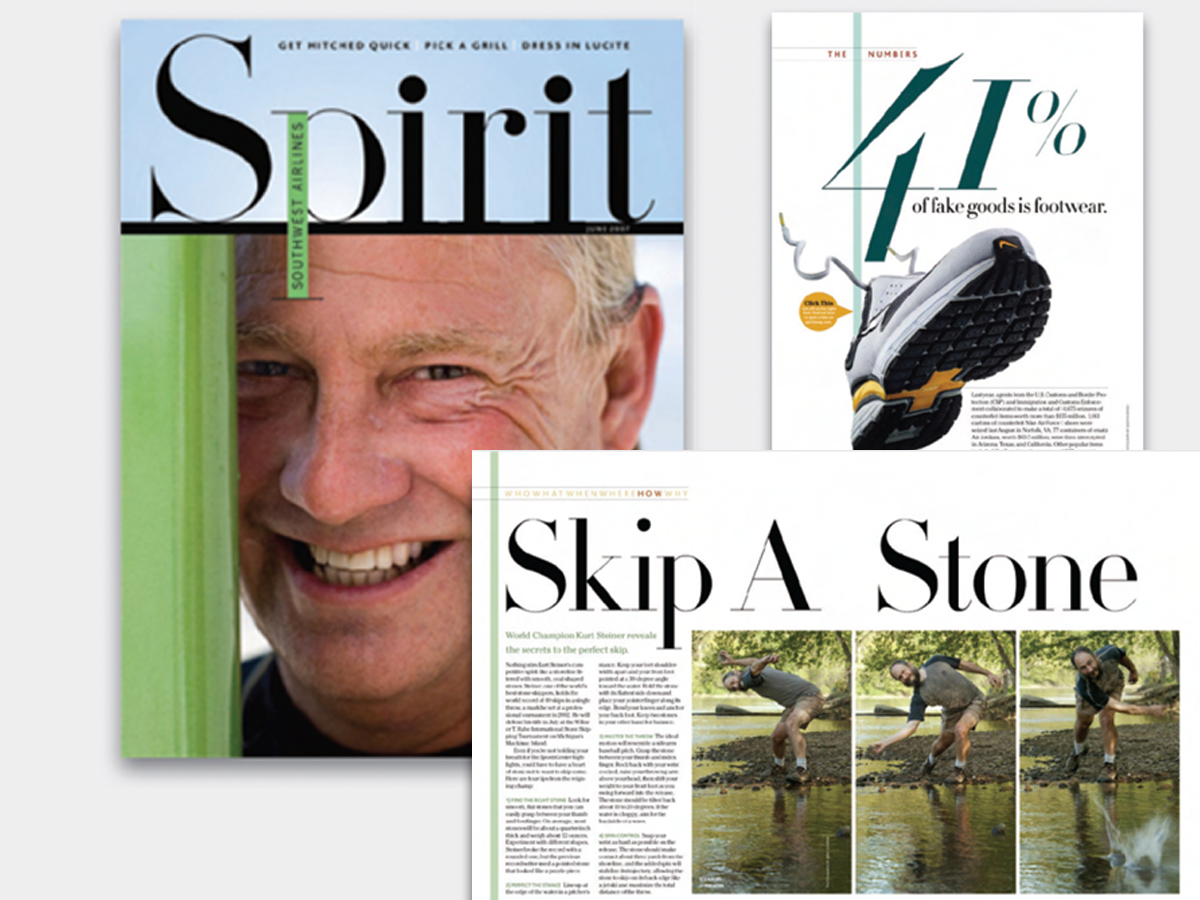
Before&After: Big, Bold, Beautiful
This magazine is a quick read for the busy traveler. Here are the techniques tha...

Mystery of the Missing Image Contest Answer and Winner!
Last week I posted a challenge for folks to explain this strange looking screens...
InDesign Tip: Including YouTube Videos in Interactive Documents
There are three new Links panel icons in InDesign CC that you'll see when workin...