



In this PowerPoint how-to video, Stephy Hogan shows how to create a single PowerPoint file that serves as on-screen presenter support, a printed handout, and speaker prompts. This approach streamlines presentation preparation by consolidating multiple formats into one cohesive file.
Subscribe to the CreativePro YouTube channel for more helpful design tips!
This article was last modified on October 30, 2025
This article was first published on May 19, 2025
Commenting is easier and faster when you're logged in!

Recommended for you
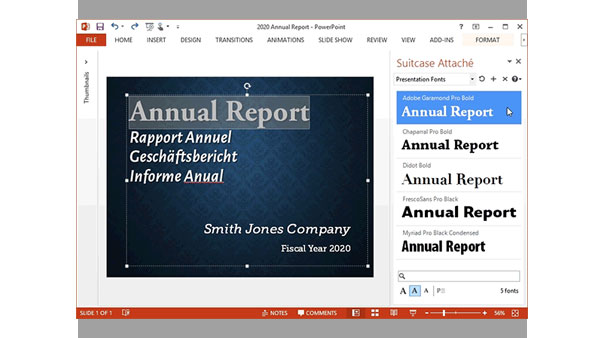
Extensis Launches Next Generation Font Menu for Microsoft Word and PowerPoint
PORTLAND, Ore.—February 18, 2015—Extensis® today announced Suitcase Attaché™, a...

How to Create an Iris Transition in PowerPoint
Learn how to create a cinematic transition in a presentation by customizing buil...

Survey: 85% of Designers Struggle with Repetitiveness of Resizing Graphics
Nearly a quarter of designers report “extreme frustration” with resizing graphic...