




In this Illustrator how-to video, Kat Kremser shows how simple creating a neon glow effect can be. She achieves the look by using the Appearance panel and multiple strokes on each object. Finally, Kat saves the neon effect as a graphic style for easy re-use.
Download Kat’s starter file here.
Subscribe to the CreativePro YouTube channel for more helpful design tips!
This article was last modified on August 29, 2025
This article was first published on May 9, 2025
Commenting is easier and faster when you're logged in!

Recommended for you
How to Align and Distribute Objects in Illustrator
Learn how to align and distribute objects in Illustrator, take a look at the dif...
How to Use Illustrator’s New Mockup Feature
Learn how use Illustrator’s new Mockup feature to take your vector artwork and e...
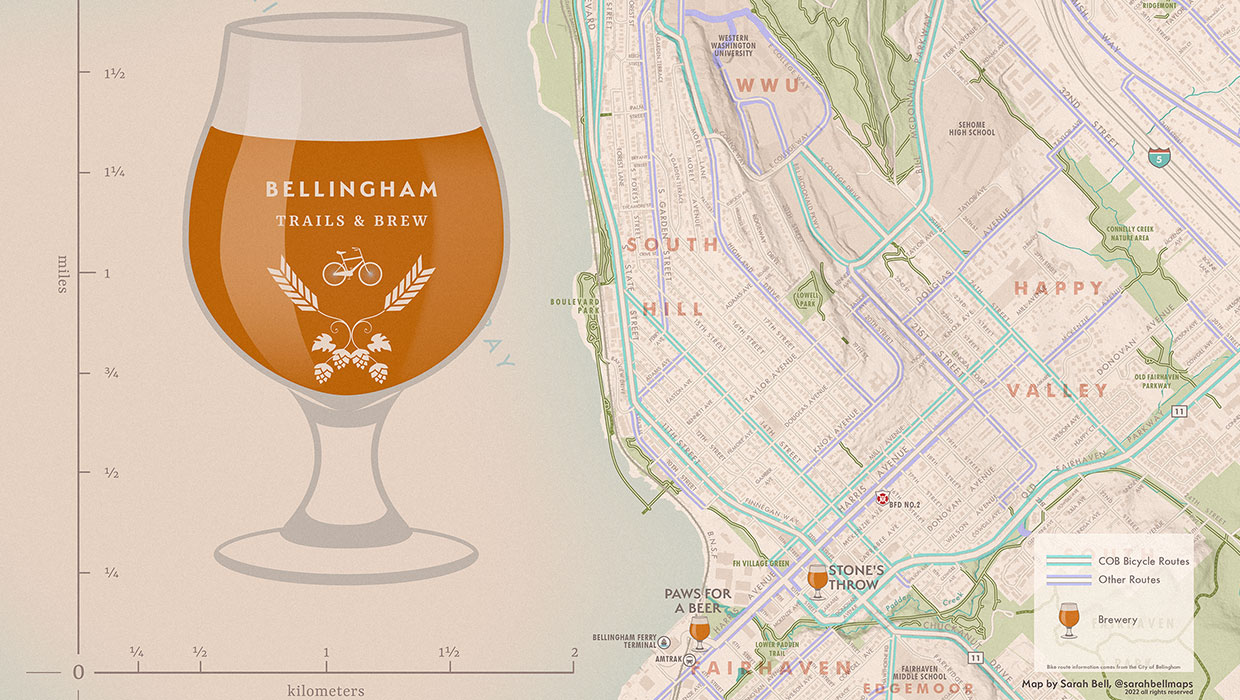
Designing with Maps
Deploy the science (and art) of mapmaking in your designs with the help of ArcGI...