



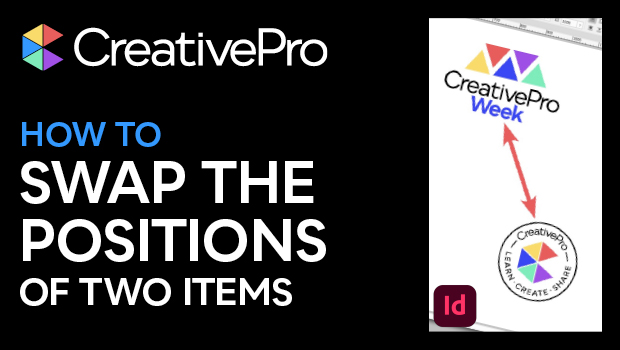
In this InDesign how-to video, Mike Rankin shows off a super quick tip to transpose two objects so they swap positions on a spread. He uses the flip function on the objects together, then again individually. It’s such a simple solution to a common issue, and sometimes those are the best tips!
Subscribe to the CreativePro YouTube channel for more helpful design tips!
This article was last modified on August 29, 2025
This article was first published on May 6, 2025
Commenting is easier and faster when you're logged in!

Recommended for you
How to Set Default Shapes, Lines, and Text Box Styles in PowerPoint
One way to make working in PowerPoint smoother is to set default shapes, lines,...
InDesign Downloadable: Top Tips Ebook
A collection of the most important and useful InDesign information published at...
Illustrator Downloadable: Top Tips Ebook
This practical HOW-TO guide for Illustrator users focuses on creative tools effi...