




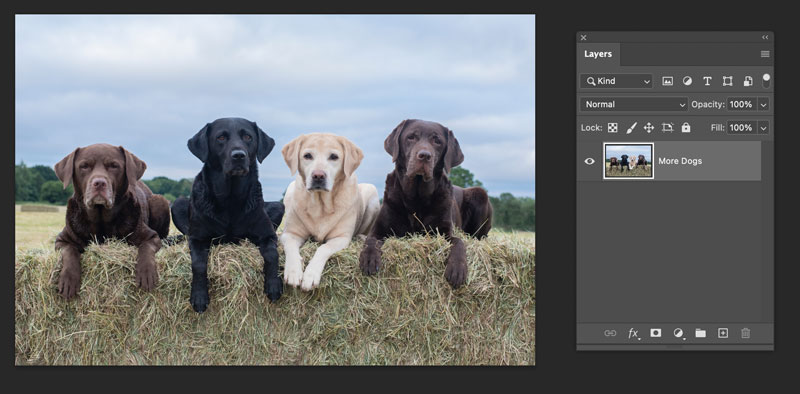
Here are a two quick tips for when you want to crop a Photoshop document so the canvas is resized to match the dimensions of a specific layer.
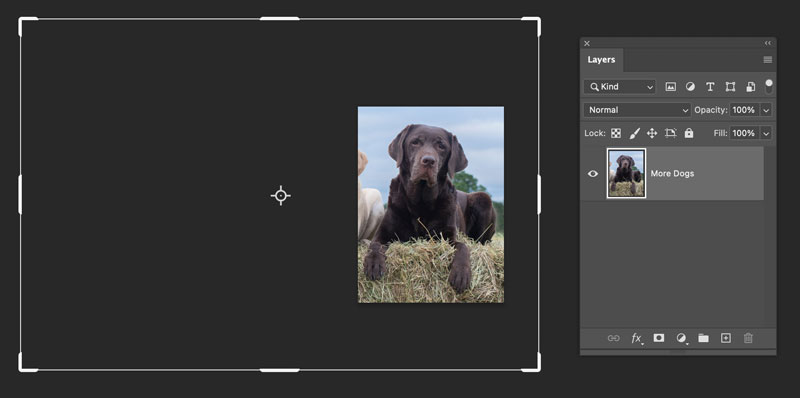
If the layer is smaller than the canvas, Command/Ctrl-click on the layer thumbnail to make an active selection of the layer. Choose Image > Crop.
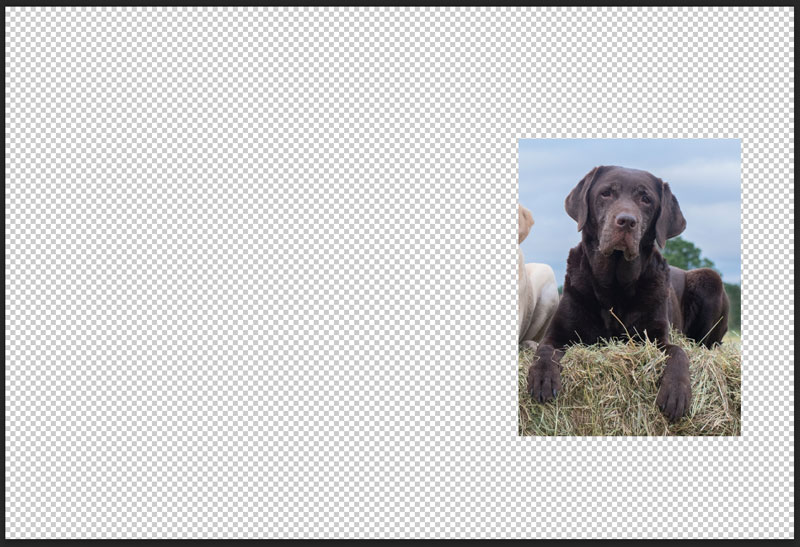
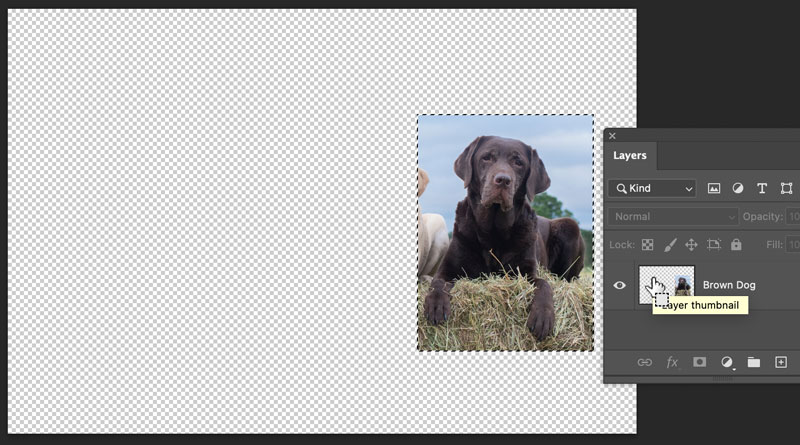
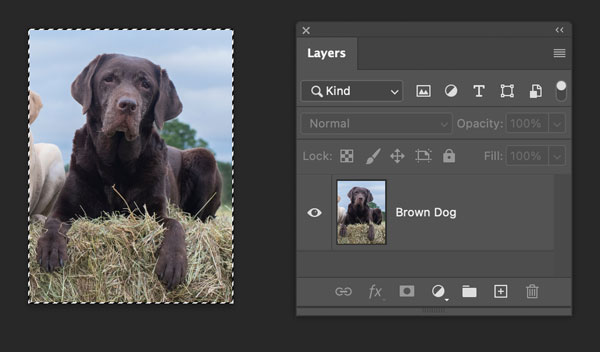
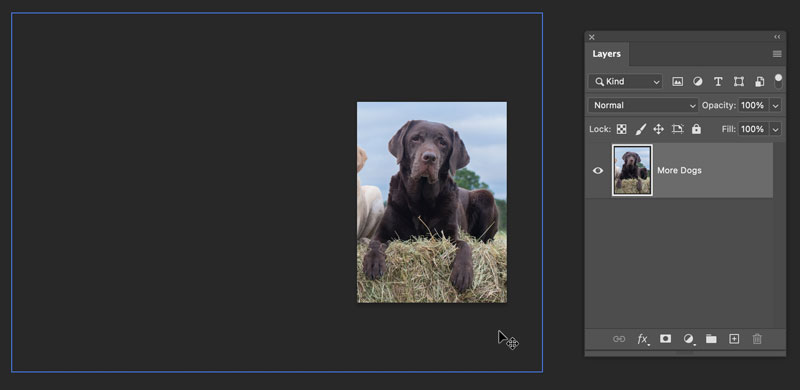
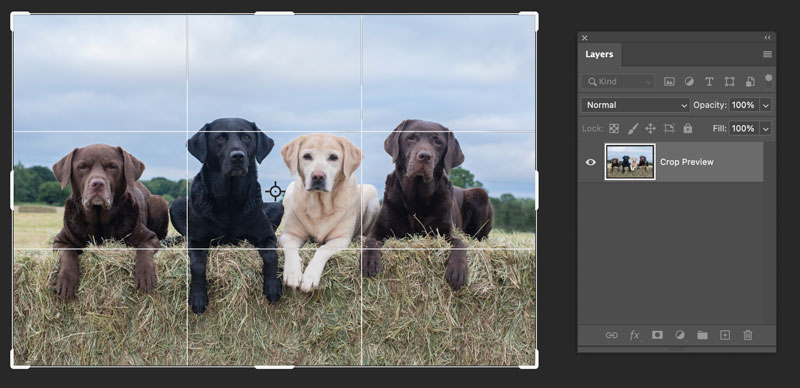
If the layer is larger than the canvas, Command/Ctrl-click on the layer thumbnail, then press C to switch to the Crop tool. Press Return/Enter.
This article was last modified on February 28, 2025
This article was first published on February 28, 2025
Commenting is easier and faster when you're logged in!

Recommended for you

Make an Image Sandwich: Putting an Image In Front and In Back of Text
I have long envied the covers of Sports Illustrated–but not the sports sta...

Tips for Selecting Objects Using the Layers Panel
When it comes to selecting objects on complex pages, the Layers panel is invalua...

Livestream Video: How to Use Masking in Photoshop
Watch Khara Plicanic show some great tips and tricks for working with masks in P...