



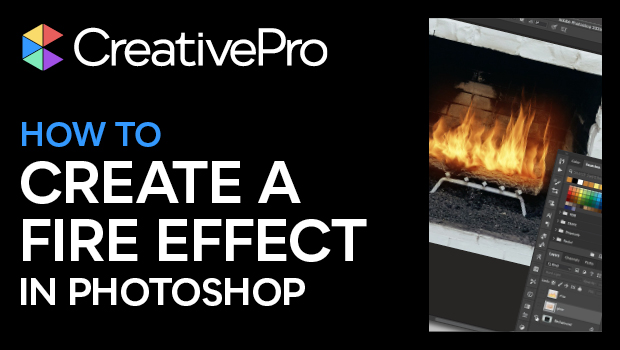
In this Photoshop how-to video, Steve Caplin shows how to easily add a fire effect to an image. He starts with the built-in flame effect, then uses the Smudge tool to integrate the flames, and finishes the look with a glow effect.
Subscribe to the CreativePro YouTube channel for more helpful design tips!
This article was last modified on August 29, 2025
This article was first published on January 24, 2025
Commenting is easier and faster when you're logged in!

Recommended for you
Smarter Thumbnails in Photoshop
Make Photoshop layer thumbnails clearer with one quick setting change.

Index Fixes: Multiple Indexes in an InDesign Document
InDesign documents can contain only one index. But when you need more than one i...
Index Fixes: Sorting
InDesign doesn't distinguish letter-by-letter and word-by-word sorting, it suppo...