




In this how-to video, Khara Plicanic explains what bleed is and how to achieve it. No matter what program you’re using to lay out your design, document bleed works pretty much the same way. Khara shows how to make sure your design extends past the document edge to allow for a perfectly trimmed printed piece.
Subscribe to the CreativePro YouTube channel for more helpful design tips!
This article was last modified on August 29, 2025
This article was first published on October 22, 2024
Commenting is easier and faster when you're logged in!

Recommended for you

Page Setup
To define the text area of a page in InDesign, you set the four margins (top, bo...

A Script to Display InDesign Documents at Actual Size
Script makes Actual Size on screen match actual size in the real world, even if...
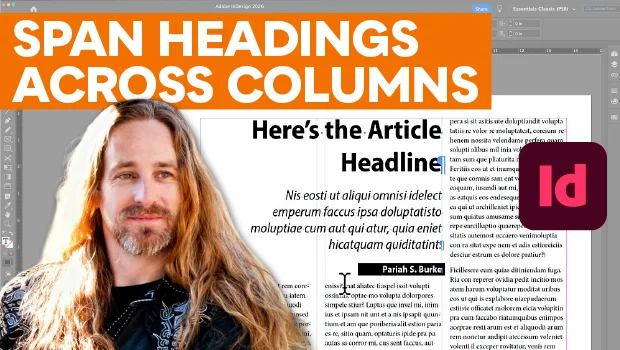
Make Headings Span Across Multiple Columns in InDesign
Master InDesign’s Span Columns feature with Pariah Burke.