


How to Use the New AI Features in InDesign
Learn how to use the new AI features in InDesign, by using text-to-image prompts and adding content to photos with Generative Expand.

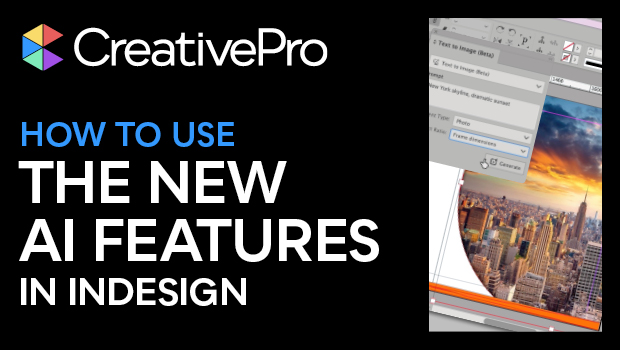
In this Design + AI Summit sneak peek, Angelo Montilla shows off the latest AI features introduced into InDesign. He first demos how to create an image using text-to-image prompts to fill a custom graphics frame with a photographic image. Angelo then extends another image to fit his design using InDesign’s Generative Expand.
This sneak peek video is a preview of Angelo’s “Adobe InDesign and AI” session at our upcoming Design + AI Summit. See the agenda and register now!
Subscribe to the CreativePro YouTube channel for more helpful design tips!
This article was last modified on February 20, 2026
This article was first published on October 11, 2024
Commenting is easier and faster when you're logged in!

Recommended for you

Don’t Ask Your AI to Identify a Font
When it comes to identifying typefaces in images, artificial intelligence isn't...
How to Use Illustrator’s New Turntable Feature
Tilt and turn your artwork with the Turntable feature in the Illustrator Beta ap...

Interview with Jigyasa Grover, Author, Instructor, and Machine Learning Engineer
Q&A with Jigyasa Grover, who is presenting at The Design + AI Summit 2025