


How to Create Focus with Animation in PowerPoint
Learn how to create focus on a topic or bullet point by creating simple fade-in animation in PowerPoint.

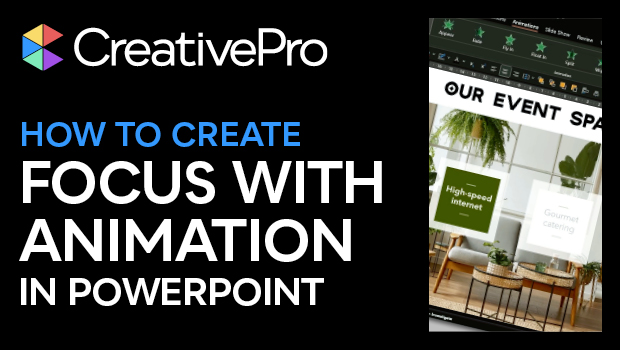
In this PowerPoint how-to video, Ingrid Mengdehl shows how to create focus on a topic or bullet point by creating simple fade-in animation. In addition to fading in specific information, she adds an overlay to bring the other info out of focus. The animation used doesn’t detract from the main purpose of the example value proposition slide, but simply draws the viewer’s eye where you want.
This video is an excerpt from Ingrid’s session at our Design + PowerPoint Summit 2023. Check out this and all of our events on our events page.
Subscribe to the CreativePro YouTube channel for more helpful design tips!
This article was last modified on August 29, 2025
This article was first published on June 27, 2024
Commenting is easier and faster when you're logged in!

Recommended for you

Five Super Slide Makeover Techniques
Team up with the “Fantastic Five” to become a presentation design superhero.
How to Use PowerPoint’s Morph Transition
Learn to use PowerPoint’s Morph transition to change shapes or text smoothly bet...

Create an Animated Button Outline in PowerPoint
Create a looping rainbow animation in PowerPoint with Stephy Hogan!