


InDesign Downloadable: Preferences Guide
A guide to which preferences are global and which are document specific in InDesign
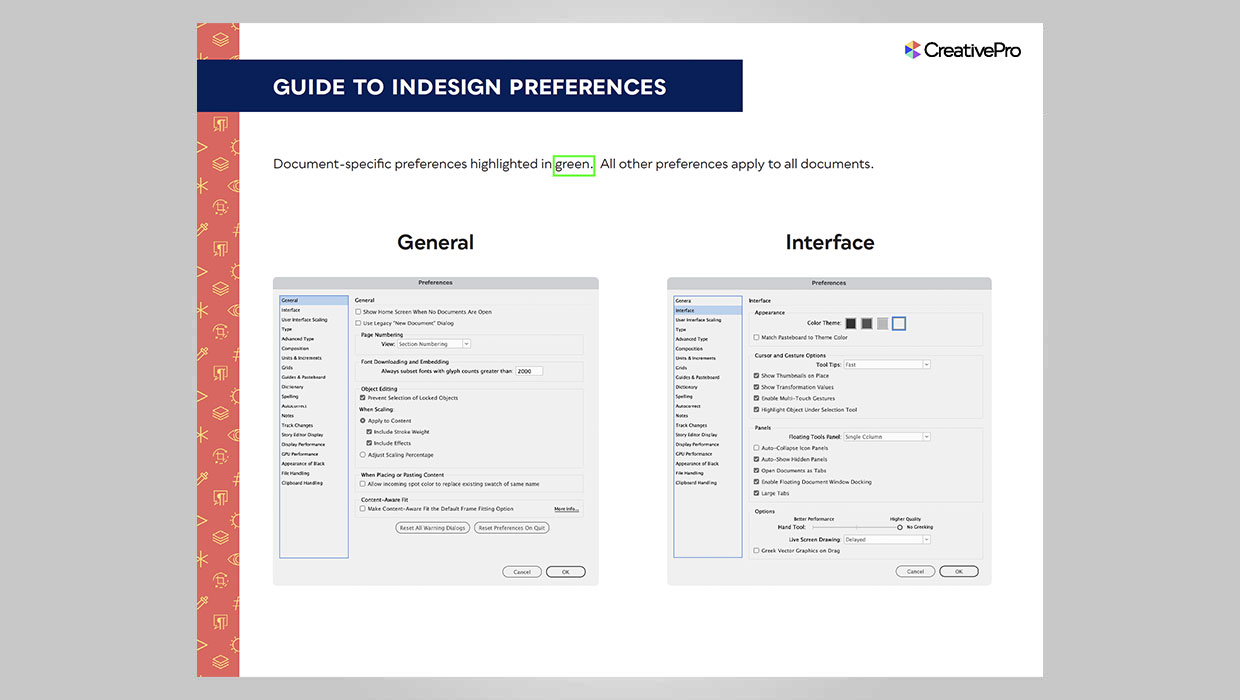
InDesign has a lot of preferences that control the way it looks and behaves. In all, there are 21 sets of preferences in a dialog box with hundreds of individual settings. And it’s very important for any InDesign user to understand which of those preferences apply to the application as a whole, and which ones only affect the current document. But the dialog box itself gives you no clue. That why we created this visual guide with document-specific preferences highlighted.
Commenting is easier and faster when you're logged in!

Recommended for you

What Causes Inconsistent Leading and How to Fix It
Ever come across a paragraph that looked like this, with the last line looking l...

How to Get Better Justified Type in InDesign
Learn the best hyphenation and justification settings to use in InDesign to achi...

Keeping the Same Scale Size when Updating or Relinking to Images
How to tell InDesign to stop scaling images when the dimensions change