




In this InDesign how-to video, Bart Van de Wiele shows how to easily pull individual color swatches from one file into another file. There are many ways to bring in swatches, but they often bring in every swatch from a file, or a host of unnecessary items. Bart demos bringing in select swatches only by treating the source file as a color library.
This comes from Bart’s “10 Essential InDesign Productivity Tips” session at CreativePro Week 2021.
This article was last modified on August 29, 2025
This article was first published on June 3, 2022
Commenting is easier and faster when you're logged in!

Recommended for you

Illustrator Downloadable: Fall Foliage Pattern Set and Palette
Use this Illustrator downloadable to create awesome autumnal graphics.

The Mystery of the Empty Swatches Panel Contest Answer and Winner
Solve this InDesign mystery for a chance at winning a great prize.
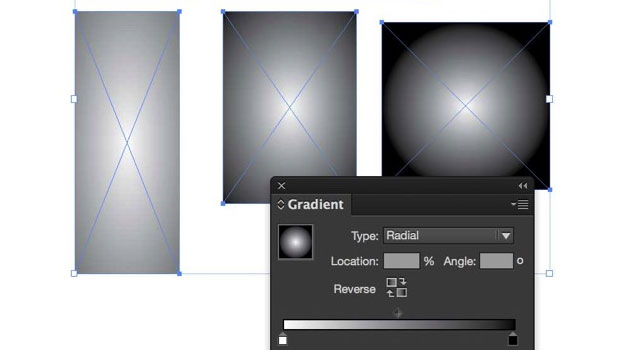
Yes, InDesign’s Radial Gradients are Insane (it’s not you)
InDesign’s Gradient feature has bothered me for over a long time and I finally f...