


How to Style Negative Numbers Automatically InDesign
Learn how to set up a GREP style in InDesign, so that negative numbers will automatically be styled.

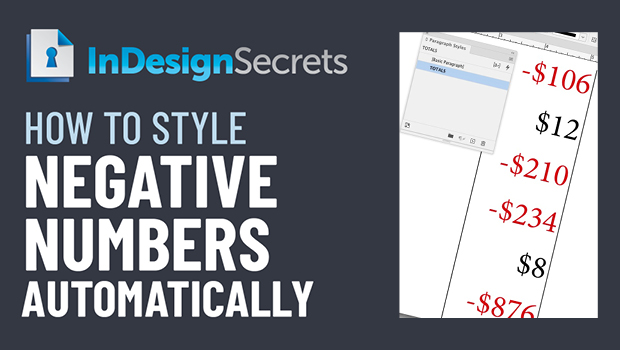
In this InDesign how-to video, Erica Gamet uses the power of GREP to automatically style any negative dollar amounts in red. By finding a consistent pattern in the text, this automation can be built into a paragraph style so the style change will happen on-the-fly.
This comes from Erica’s upcoming session at CreativePro Week 2022 in Washington, D.C. May 9-13.
This article was last modified on August 29, 2025
This article was first published on April 22, 2022
Commenting is easier and faster when you're logged in!

Recommended for you

Formatting Important Phrases in InDesign with GREP
In the past, I have worked with clients to build catalogs where the phrase...

Sort an Index by Page Number
What if you use the index feature but need the result in page number order inste...

InDesign GREP You Already Have
There are a few things in InDesign that send the most seasoned of designers scre...