




In this PowerPoint video, Steve Wishman shows how to add a “long shadow” style to text, all while keeping that text editable. By using PowerPoint’s built-in 3D tools, he is able to create this bold typographic look which can really make a slide’s text pop.
This video is an excerpt from Steve’s “Making Type Look Great in PowerPoint” session at CreativePro Week.
This article was last modified on August 29, 2025
This article was first published on February 17, 2022
Commenting is easier and faster when you're logged in!

Recommended for you

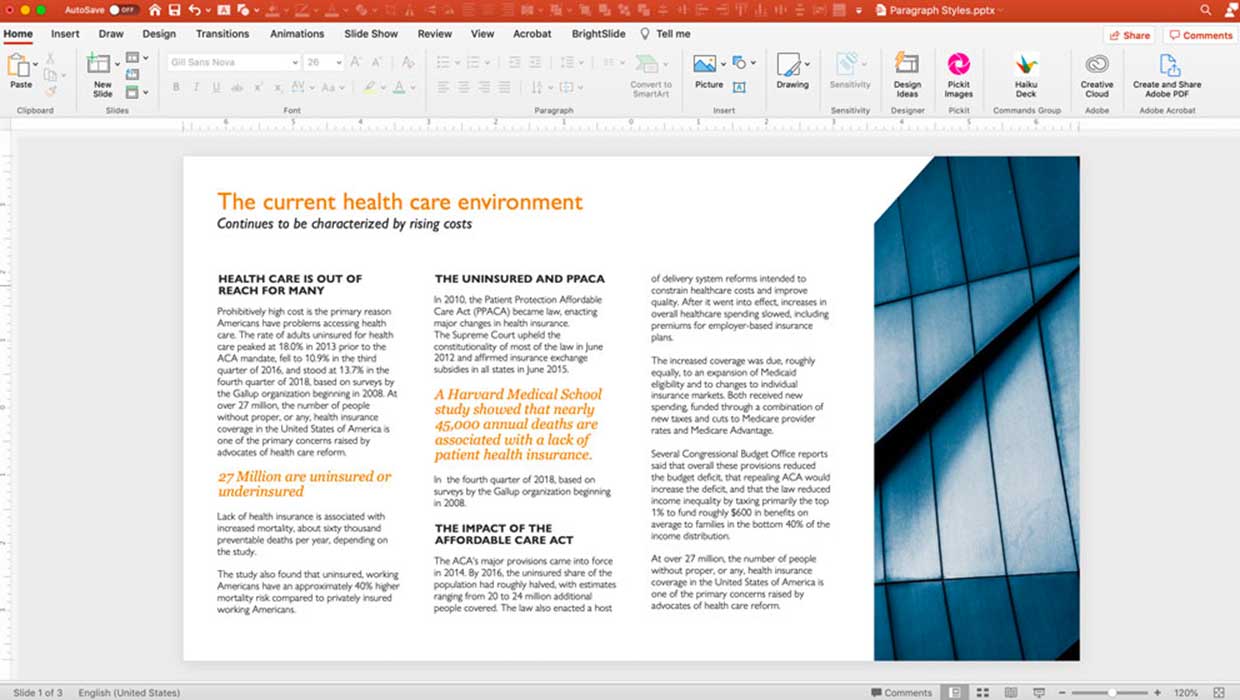
Creating Paragraph Styles in PowerPoint
Learn how to create text styles in PowerPoint that can be applied, edited, and g...

CreativePro Video: Stacking Animations in PowerPoint
In this week’s CreativePro video, Jole Simmons shows how to stack multiple anima...