




In this InDesign “Three Minutes Max” video, Keith Gilbert quickly uses several of InDesign’s tools to create a Mondrian-inspired grid. He puts the Gap tool, the Pathfinder, Gridify, and even Illustrator to use to create his “masterpiece.”
Check out new tutorials every other Tuesday on our InDesign Secrets YouTube channel, then join the discussion on our Facebook group!
This article was last modified on August 29, 2025
This article was first published on June 18, 2021
Commenting is easier and faster when you're logged in!

Recommended for you

Tip of the Week: Gridify Magic
This tip was sent to Tip of the Week email subscribers on November 19, 2015. Sig...
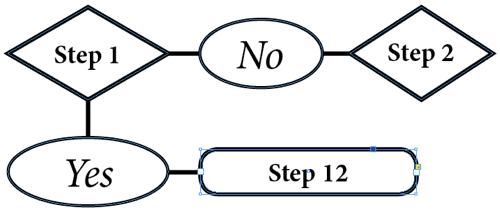
Building an Org Chart or Flowchart in InDesign, Part 3
In part 3 of the series, David shows how to draw lines and re-align elements in...

How to Quickly Place Many Images into Your InDesign Document
So you have 300 images to import quickly? Here are some quick ways to do it.