




In this InDesign how-to, Colleen Gratzer explains how to assign export tags to paragraph styles to create an accessible PDF. She then looks at those tags inside of Acrobat to be sure structure is optimal for screen readers and assistive devices.
Check out new videos every week on our CreativePro YouTube channel, then join the discussion on our Facebook group!
This article was last modified on August 29, 2025
This article was first published on February 16, 2021
Commenting is easier and faster when you're logged in!

Recommended for you

Interview with Matisse Hamel-Nelis, Accessibility Consultant and Author
Learn how one mortifying mistake started a journey to authoring a book about acc...
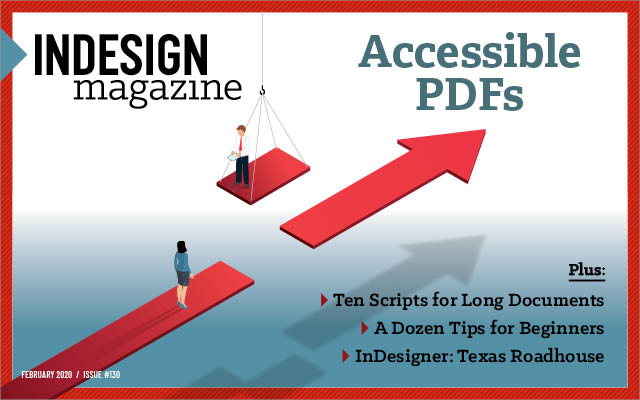
InDesign Magazine Issue 130: Accessible PDF
We’re happy to announce that InDesign Magazine Issue #130 (February 2020) i...

InCrease Your Learning with Project-Based Sessions at The InDesign Conference 2025
Take a hands-on approach to learning InDesign