




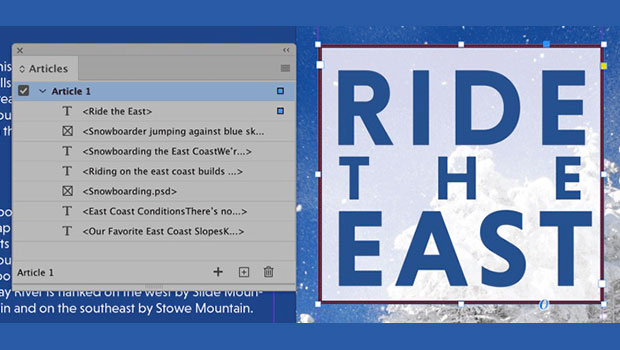
In this InDesign how-to video, Colleen Gratzer shows how to add alt text to an image when making an accessible document. She also demos how to artifact images—so that screenreaders will ignore them—and she explains when to use each method.
Check out new tutorials every other Tuesday on our InDesign Secrets YouTube channel, then join the discussion on our Facebook group!
This article was last modified on August 29, 2025
This article was first published on January 26, 2021
Commenting is easier and faster when you're logged in!

Recommended for you

Interview with Caroline Desrosiers, Alt Text Entrepreneur
Q&A with Caroline Desrosiers, who is presenting at The Design + Accessibility Su...

Interview with Colleen Gratzer, Accessibility Specialist
Q&A with Colleen Gratzer, who is presenting at The Design + Accessibility Summit...
10 Steps to Accessible PDF
Making sure that the PDF files you create are accessible to all users should be...