



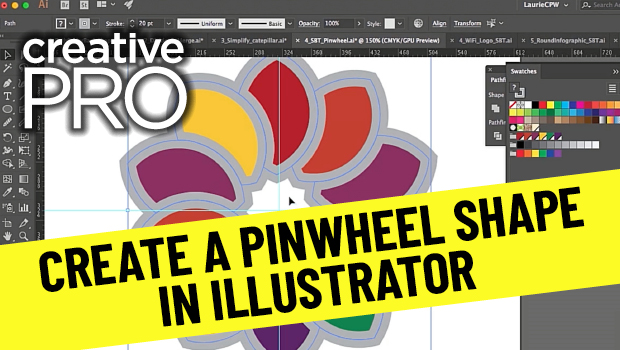
In this video, Laurie Ruhlin shows how to create a repeating pinwheel shape in Illustrator. Taken from her session at CreativePro Week 2018, she demos duplicating and merging shapes with the Shape Builder tool then uses the Pathfinder to delete unwanted portions.
New videos every other Tuesday on our CreativePro YouTube channel. Be sure to subscribe so you don’t miss any!
This article was last modified on August 29, 2025
This article was first published on January 11, 2021
Commenting is easier and faster when you're logged in!

Recommended for you

Free Webinar: Cross App Power Hour with Illustrator, InDesign, and Firefly
Explore practical AI-powered tools in Illustrator, InDesign, and Firefly that wi...
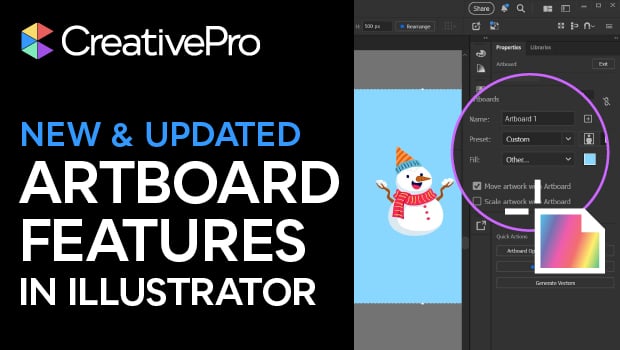
Illustrator’s New and Updated Artboard Features
Discover the new features and updates to Illustrator's artboards with Kat Kremse...
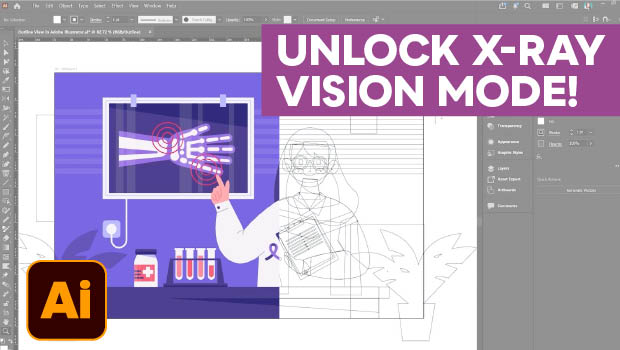
Troubleshoot Illustrator Files with Outline View
Use Illustrator's "X-ray vision" to troubleshoot your vector artwork with Kat Kr...