


CreativePro Video: Create Pie Charts in Illustrator
Learn an easy way to create simple pie charts in Illustrator by creating a circle, then letting Illustrator handle the math to create proportional pie pieces.
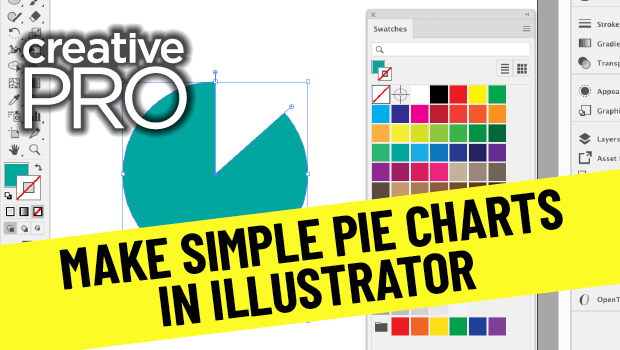
In this video, Jason Hoppe shows off an easy way to create simple pie charts in Illustrator. His technique, taken from his infographics session at CreativePro Week, is as simple as creating a circle, then letting Illustrator do a little math to create proportional pie pieces.
New videos every other Tuesday on our CreativePro YouTube channel. Be sure to subscribe so you don’t miss any!
This article was last modified on August 29, 2025
This article was first published on December 1, 2020
Commenting is easier and faster when you're logged in!

Recommended for you

Creating Accessible Charts and Infographics
Creating Accessible Charts and Infographics is easier than you think: Simple tip...

Creating Charts and Graphs Automagically with Data Merge and Chartwell
Charts are among the hardest visual effects to create well in InDesign. Most peo...

Turning Numbers into Bar Graphs Using GREP: An Improved Technique
In my last piece, I demonstrated a technique to turn whole numbers into a bar gr...