




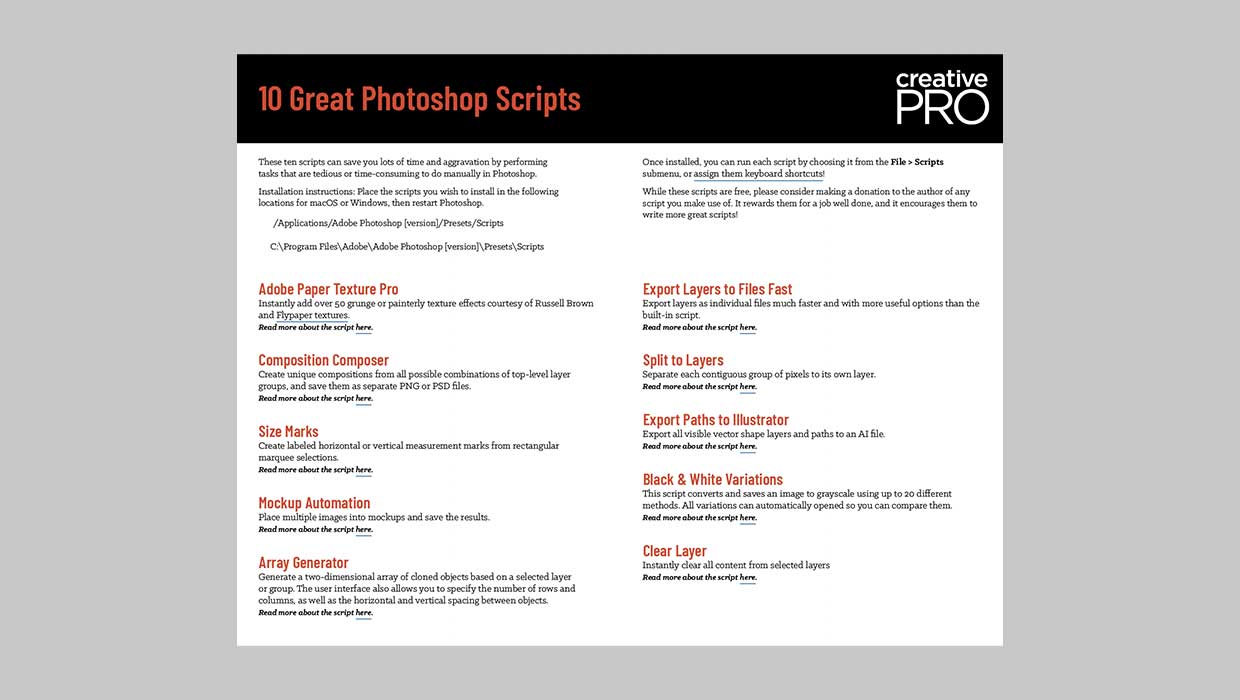
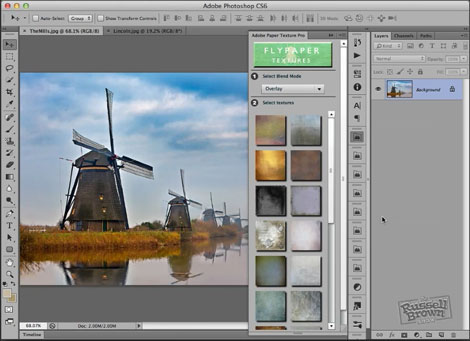
You can completely change the mood evoked by an image by adding textures and blend modes in Adobe Photoshop. And one super cool way to do that is to use the Adobe Paper Texture Pro panel, which you can download from Russell Brown’s website. Or, if you’re a CreativePro member, you can get it as part of our 10 Great Scripts for Photoshop downloadable.
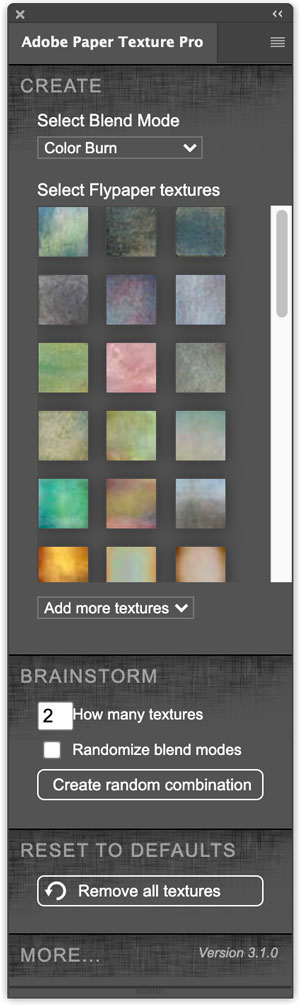
Even though it was created several years ago, it still works in Photoshop 2023.
Since it comes in an extension file, the process for installing the panel is different from that of other scripts. Anastasiy’s Extension Manager is a great free tool for the job.
Once installed, you can use the included sampler set of twenty textures from Fly Paper Textures, and select blending modes to combine them with your images. You can also select a folder of your own textures and load them into the panel, and check out the video Russell has created demonstrating how to use it.
This article was last modified on May 4, 2023
This article was first published on February 21, 2013
Commenting is easier and faster when you're logged in!

Recommended for you

The Digital Art Studio: Rescuing Old Photos #1
As the representative digital professional in my family, I’m frequently tapped t...
Scanning Around With Gene: 108 Years of Dust
How an industry dies says a lot about how it lived. Some, like coal mining or st...
Heavy Metal Madness: Propaganda and Insight One Frame at a Time
Even the purest attempts at education and guidance carry with them an agenda of...