




In this week’s InDesignSecrets video, David Blatner shows off a script to send an InDesign file’s layers to Photoshop layers. This free AppleScript from Rob Day ports the layers to Photoshop as Smart Objects which can then be manipulated and further enhanced with Photoshop effects. This tutorial is an excerpt from David’s “Scripts Every InDesign User Needs” session at CreativePro Week 2019.
Check out new tutorials every Tuesday on our InDesign Secrets YouTube channel, then join the discussion on our Facebook group!
This article was last modified on August 29, 2025
This article was first published on August 14, 2019
Commenting is easier and faster when you're logged in!

Recommended for you
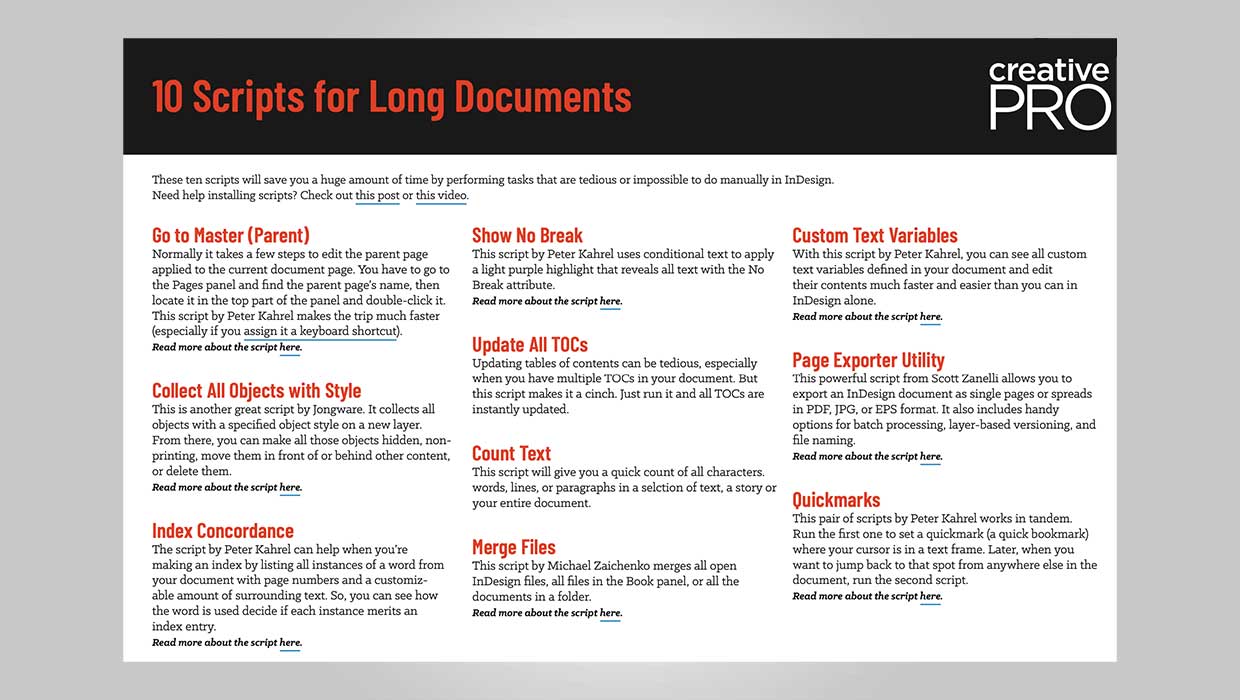
InDesign Downloadable: Long Document Scripts
Ten scripts that can save you a ton of time on common long-document tasks in InD...

The Digital Art Studio: Patching Text without the Fonts
How do you fix a typo when you don’t have the correct font? After my beloved stu...
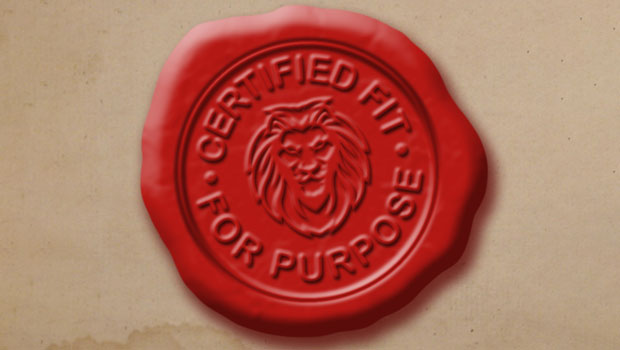
How to Create a Wax Seal in Photoshop
Learn how to combine layer effects in Photoshop to simulate any design pressed i...