InDesign Template: Newsletter Layout
The design used in this template is called “Investment Management,” but we like it because it lends itself to so many types of organizational newsletters. Plus, it affords you a lot...

This template is a cool newsletter template, normally $99, courtesy of StockLayouts.
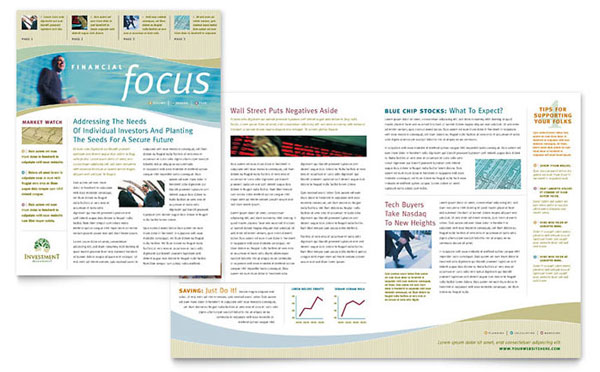
StockLayouts calls this design “Investment Management,” but we like it because it lends itself to so many types of organizational newsletters. Plus, it affords you a lot of flexibility for arranging different types of stories in the same publication. Color, type, and formatting for sidebars, feature stories, graphics and captions are ready for you to update with your own text.
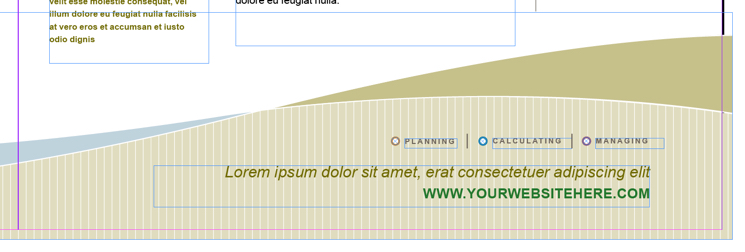
All of the placeholder images used in the template are included in the download, including those beautiful, sweeping background images that bleed off at the bottom of the inside spread:
We added paragraph and character styles to the template, and applied them to the copy. The document uses Arial and Times, but of course you can quickly change the typeface attributes in the styles via Type >Find Font.

The download package includes one template in InDesign CC 2014 and IDML formats, and all linked artwork which includes some stock photo placeholder images. The IDML version can be opened with InDesign CS4 and later.
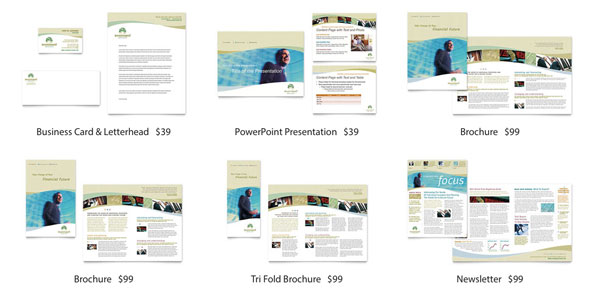
If you like the newsletter design, be sure to check out its theme page on the StockLayouts website for even more templates (for purchase) to create matching business cards, letterheads, PowerPoint presentations, and brochures.
If you’re currently logged in as a member, the download link appears below.
Commenting is easier and faster when you're logged in!

Recommended for you

Creating Light and Shade in Photoshop with Levels Adjustment Layers
Learn a great technique for making the subject match the background lighting in...

Big Design
Learn techniques for creating huge layouts for banners, billboards, and other me...