


InDesign Template: Storyboard
This template is for creating storyboards. Storyboards are most commonly used in the planning of video projects, presentations, and highly designed long documents. The download package includes 4 InDesign files plus...

This template is for creating storyboards. Storyboards are most commonly used in the planning of video projects, but I’ve also seen them used to plot out presentations and highly designed long documents, like magazines and textbooks.
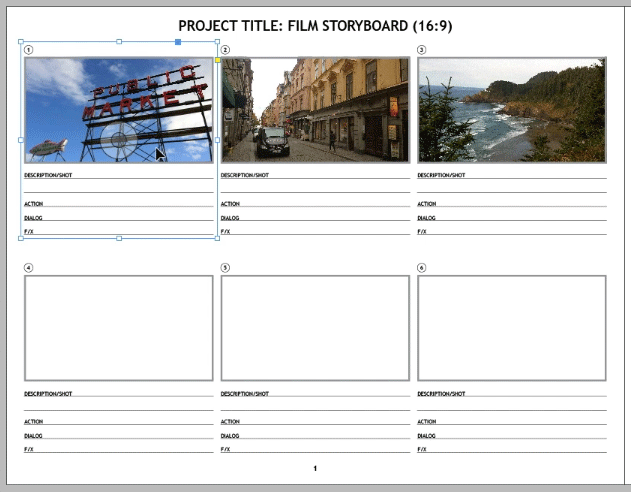
The download package includes 4 InDesign files plus associated artwork and a PDF containing step-by-step instructions.
The way to use the template is to start in one of the “Frames” files, where each page is a video shot, presentation slide, or print layout sketch.
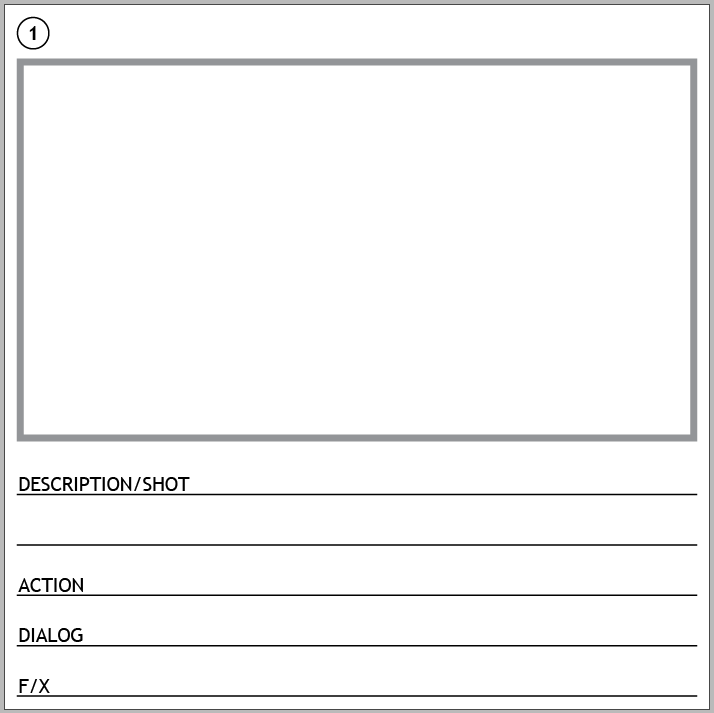
There are three Frames files, for 16:9 video, 16:10, and a presentation.

Choose the one you want and fill in as many pages as you need with content.

Then Open the Storyboard.indd document.
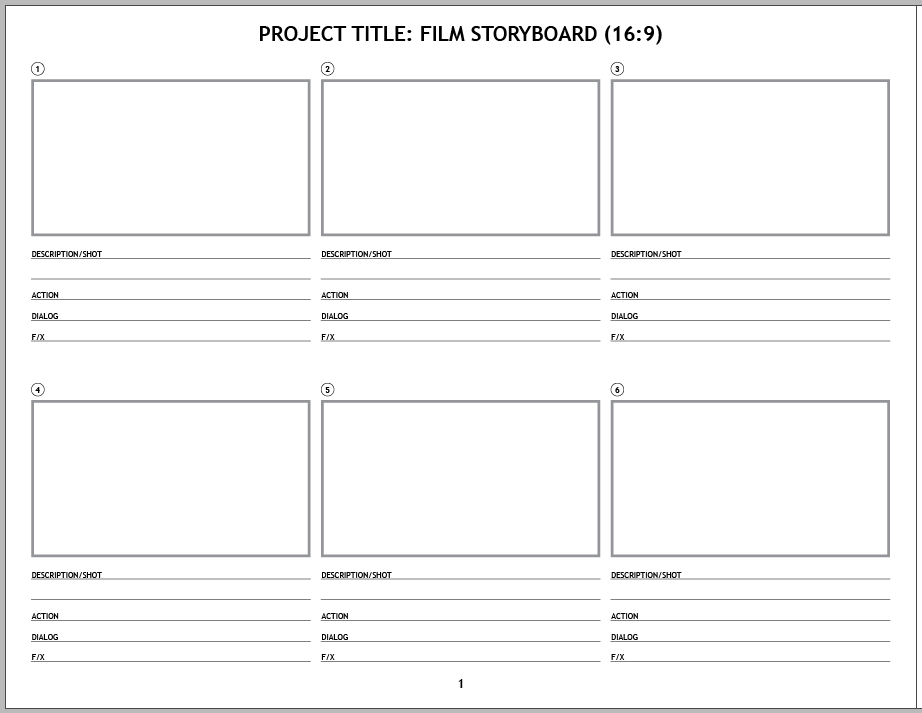
Notice there are three master pages, one corresponding to each Frames file.

Create as many document pages as needed and then use the Links panel to place or update the pages from the Frames document you chose.

This video shows the process.
Commenting is easier and faster when you're logged in!

Recommended for you
Pop an Image Out of a Frame in Photoshop
Steve Caplin, the Photoshop wizard, brings a photograph to life!
Before&After Design Tip: Small Size, Big Impact
When it comes to impactful design, little things mean a lot.

Adobe Announces Availability of Acrobat 3D Version 8
Adobe Systems Incorporated (Nasdaq:ADBE) today announced the immediate availabil...