




Adobe’s Pixel Bender is an engine that programmers use to create image transformations not available in Photoshop or other Adobe apps. But you don’t have to be a programmer to take advantage of the Pixel Bender Gallery Plug-in for Adobe Photoshop CS5, which lets you apply Pixel Bender filters created by others to images you open in Photoshop CS5.
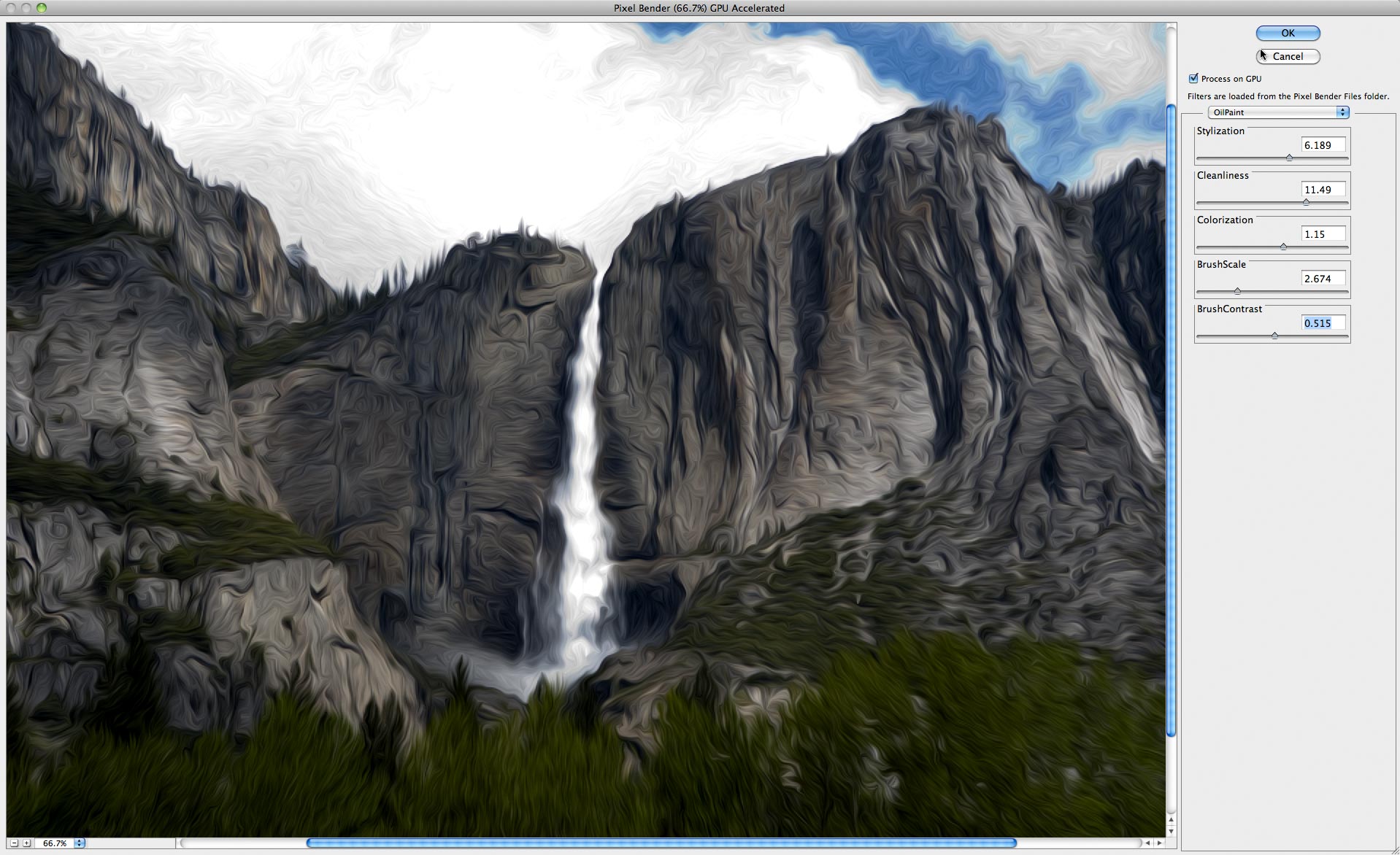
One of those filters is the Oil Paint filter, which John Nack used to create the image below (click on it to see a larger version):
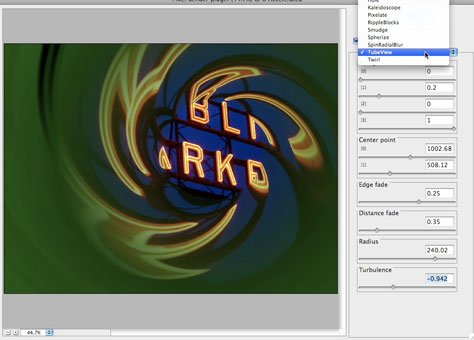
John has also shared a one-minute movie that demonstrates some of the plug-in’s possibilities. Click on the image below to open the movie in a separate window.
This article was last modified on December 14, 2022
This article was first published on June 8, 2010
Commenting is easier and faster when you're logged in!

Recommended for you

Review: Photoshop Fix
Photoshop Fix is Adobe’s latest venture into mobile image manipulation. Av...

CreativePro Tip of the Week: Viewing Illustrator Artwork as Outlines
This CreativePro tip for viewing Illustrator artwork as outlines was sent to Tip...

Sharpen Focus with Photoshop’s Auto-Blend Layers
This tutorial is courtesy of the Russell Brown Show. There are times when low li...