




Excerpted from Real World QuarkXPress 7.
With QuarkXPress 7, you can synchronize content across multiple boxes and multiple layouts. That makes it simple to keep words, pictures, and many of the stylistic attributes of boxes or lines in harmony throughout a project.
In this excerpt, you’ll learn how to synch and unsych content, and how to create and edit composition zones.
To read the article as a PDF file in your Web browser, click “Share and Share Alike.” You can also download the PDF to your machine for later viewing.
To open the PDF, you’ll need Adobe Acrobat or Adobe Reader. We highly recommend Adobe Reader 7.0 and above to view this PDF. To download Acrobat Reader, click below:
https://www.adobe.com/products/acrobat/readstep2.html
To learn how to configure your browser for viewing PDF files, see the Adobe Reader tech support page.
Excerpted from Real World QuarkXPress 7 by David Blatner. Copyright © 2008. Used with permission of Pearson Education, Inc. and Peachpit Press.
This article was last modified on January 9, 2022
This article was first published on January 14, 2008
Commenting is easier and faster when you're logged in!

Recommended for you

Building a “Conditional Text” Document
Andy wrote: We have a long document with numerous paragraphs. We would like to s...
Magazine PIB Ad Revenue Increased 4.4% in November
Total magazine rate-card-reported advertising revenue for the month of November...
Optimizing Your Workspace
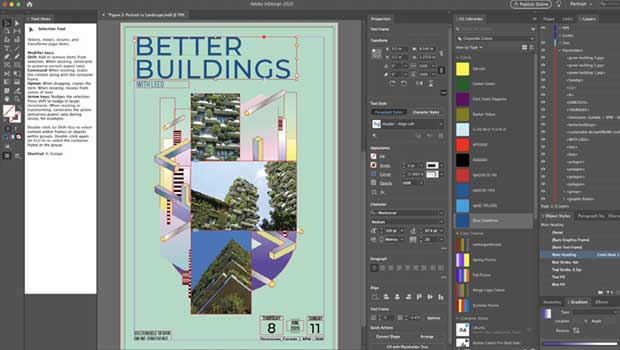
Learn how to make the most of your screen real estate by building the best custo...