



Ever wish you could quickly invert a selection like you can in Illustrator or Photoshop?

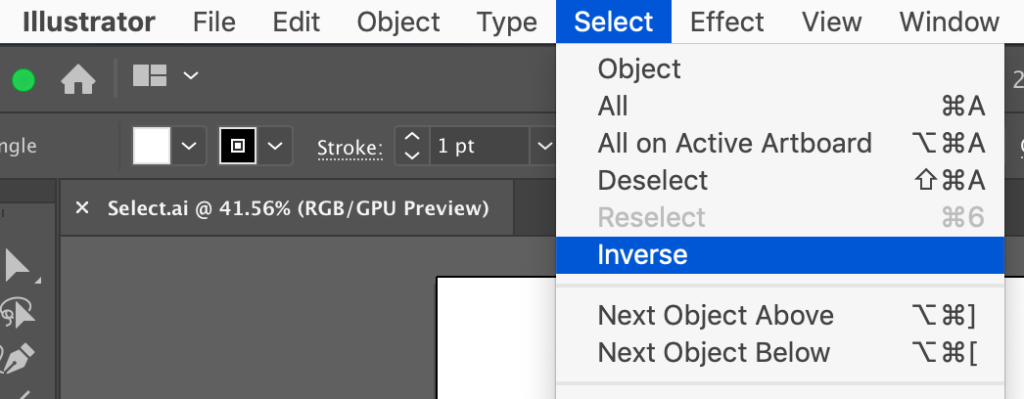
It’s a feature that comes in very handy sometimes when it’s easier to grab the thing you don’t want, then select the opposite. But InDesign has no built-in Select Inverse feature. But there is a free script you can grab and install that will do the trick. It’s by Luis Felipe Corullón, and you should check out his website for lots more cool scripts (some are free, some are paid).


Once you have installed the script, assign a keyboard shortcut so inverting selections is just as easy in InDesign as it is in the other Adobe apps.
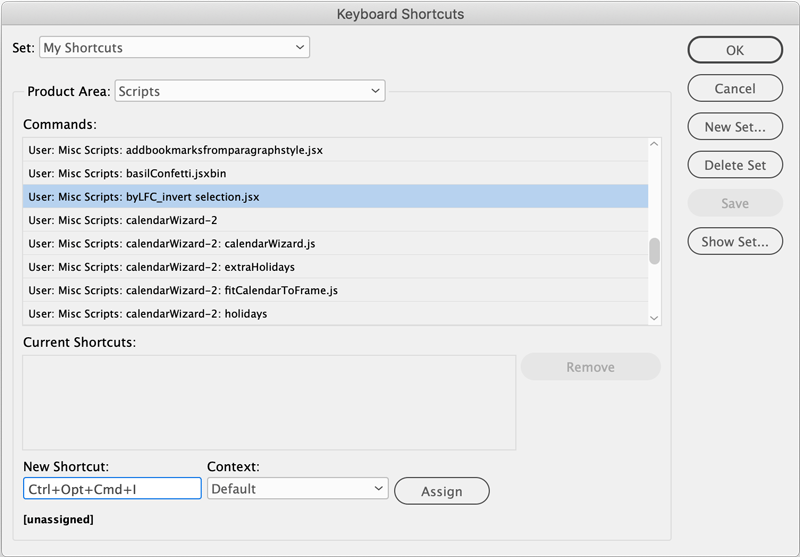
Thanks, Luis!
This article was last modified on September 3, 2026
This article was first published on May 8, 2019
Commenting is easier and faster when you're logged in!

Recommended for you

InDesign How-to Video: Move Layers From InDesign to Photoshop
In this week’s InDesignSecrets video, David Blatner shows off a script to send a...
Rotating Text and Text Frames Independently
One of the most important things to master when you’re first learning InDe...
Creating InDesign Scripts With Python
We publish a lot of content related to InDesign scripts here at InDesignSecrets...