




It’s time to reveal the solution—and the winner—for this month’s InDesignSecrets contest!
Here’s the scenario:
You open a file containing a chapter of a novel. Things look good except when you show hidden characters, you notice at the top left of each page there’s an End of Story marker behind the text.
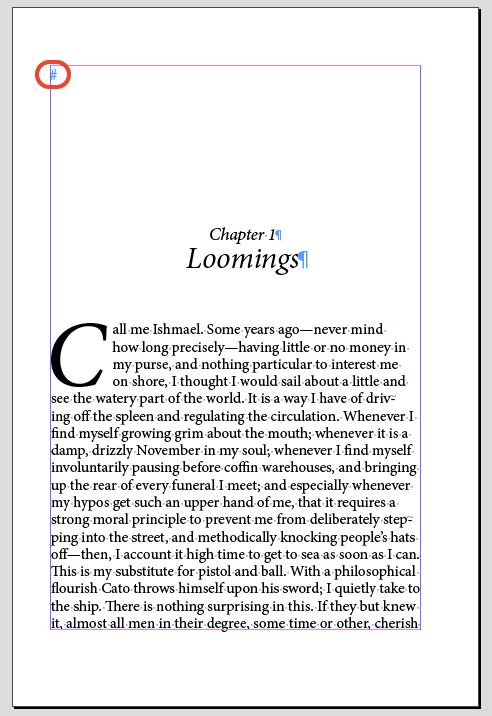

If you move one of the text frames out of the way, the marker stays in place.

Clicking on the marker with the Selection tool produces no response. And even if you select all and delete, the marker stays put.
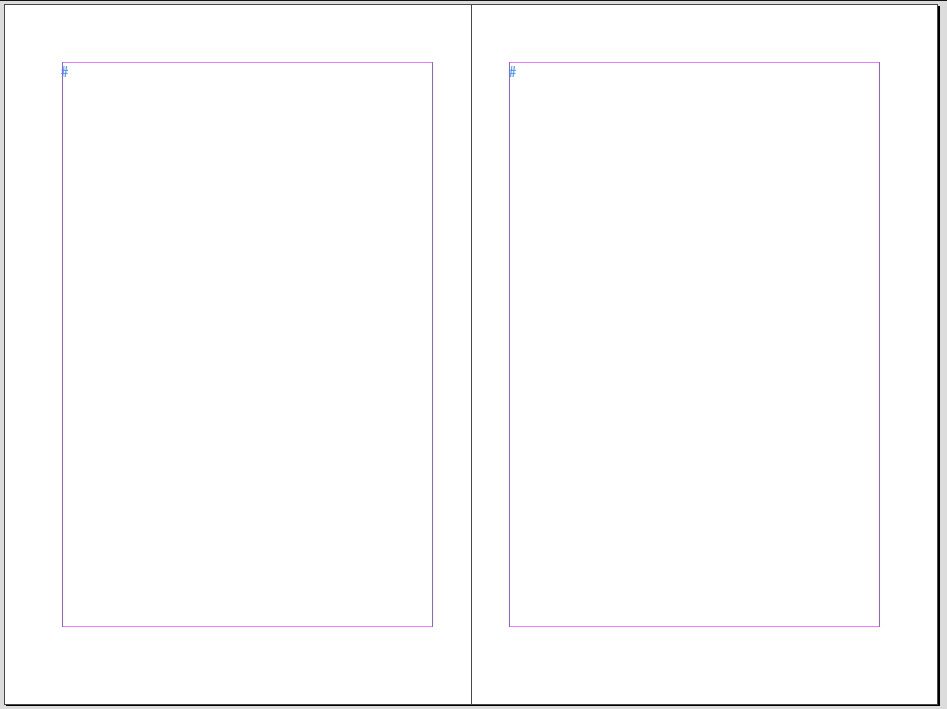
There’s only one layer in the document and nothing is hidden or locked.
Why is there an End of Story marker on every document page?
The answer is that there were text frames on the master pages that the document pages were based on. Since these master page items had never been overridden, clicking on them on a document page would produce no result. And since they had no content, the End of Story marker appeared at the top of the frames when hidden characters were shown.
And the winner of this contest is…
Donald Walker
Donald wins 3 months access to videos of any 2 days of CreativePro Week 2017.
Thanks to everyone who entered, and be on the lookout for another contest with a new great prize next month!
This article was last modified on July 25, 2019
This article was first published on March 21, 2018
Commenting is easier and faster when you're logged in!

Recommended for you

Before&After Design Tip: Too Many Focal Points? Just Send ’Em to the Back!
What do you do when your artwork is bolder than your text?

Go to the Parent Spread Applied to the Active Spread
To access the parent spread applied to the active page, you have to open the Pag...

How to Be a Better Graphic Designer: Sweat the Details
Nigel French reminds us how much the little things matter in design.