



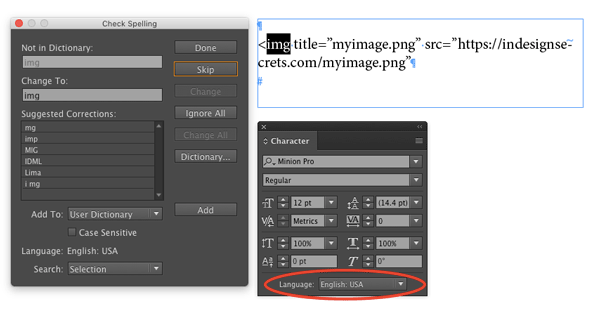
Every once in a while you might have some special text in your documents that you want to treat differently from the rest. Maybe it’s something that you never want to hyphenate, like a brand name or a URL. Or a passage with lots of words you don’t want to be flagged in a spell check. Or maybe you’re writing something with computer code where inDesign’s smart quotes feature will insert the wrong characters. In all these cases you can apply No Language to the text to solve the problem.

Note that in the case of URLs, if InDesign is not breaking them the way you’d like, you can address the problem with a GREP style. See Caleb Clauset’s InDesign Magazine article URLs Breaking Badly for the details.
This article was last modified on July 25, 2019
This article was first published on April 26, 2017
Commenting is easier and faster when you're logged in!

Recommended for you

News: InDesign Drops Support for Print Publishing
[Editor’s note: This was our 2008 April Fool’s Post] We’ve jus...
Why Are My Hyperlinks Still Working?
Jacob wrote to us with a problem he was having with a file: he was having troubl...

InDesign How-to Video: Find File Size and Location
Anne-Marie Concepción shows how to quickly determine the exact size of an InDesi...