




Macromedia Dreamweaver MX lets you add sophisticated graphic effects to your Web pages. Unlike simple imagery, these graphics often perform double duty as navigational elements as well as structural components.
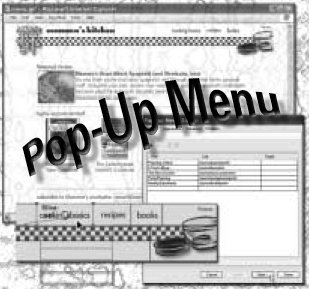
In this chapter from "50 Fast Dreamweaver Techniques," three Web design gurus show you how to create simple graphic treatments that add punch to your Web site. You’ll learn how to make a zooming rollover, editing images, building pop-up menus, creating slideshows, adding tiled backgrounds, making tiling backgrounds, and more.
We’ve posted this excerpt as a PDF file. All you do is click the link "Image Tricks That Make You Look Good" to open the PDF file in your Web browser. You can also download the PDF to your machine for later viewing.
To open the PDF, you’ll need a full version of Adobe Acrobat (5 or higher) or the Adobe Reader, which you can download here:
 .
.
To learn how to configure your browser for viewing PDF files, see the Adobe Reader tech support page.
Excerpted from "50 Fast Dreamweaver MX Techniques" by Janine Warner, Ivonne Berkowitz, and Yanier Gonzalez. Copyright © 2003 Wiley Publishing. All rights reserved. Reproduced here by permission of the publisher.
This article was last modified on January 3, 2023
This article was first published on April 7, 2004
Commenting is easier and faster when you're logged in!

Recommended for you

Store Live Captions in libraries
Learn a handy way to create repetitive Live Captions in InDesign CS5 easily, plu...
All Caps Isn’t Really Uppercase
There are two different commands in InDesign that can turn lowercase text into U...
Working with OpenType-SVG Color Fonts
Calling all color fanatics and lovers of fonts and fun!