



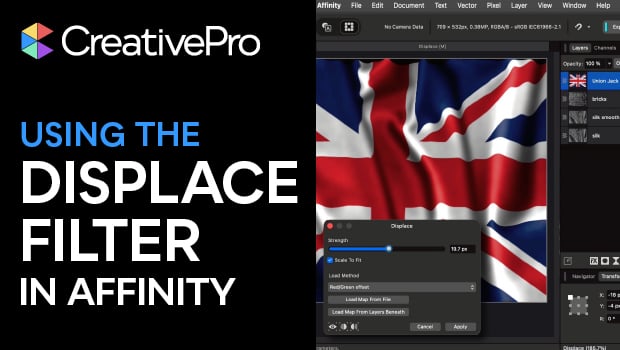
In this Affinity how-to video, Steve Caplin demonstrates how to use the Displace filter, a feature so seamless it’s worth jumping out of Photoshop and into Affinity just to use it. This filter can create the distorted appearance of an image on a textured background, like brick or silk fabric. Steve also demonstrates a few tricks for achieving the smoothest results.
Subscribe to the CreativePro YouTube channel for more helpful design tips!
This article was last modified on March 5, 2026
This article was first published on March 4, 2026
Commenting is easier and faster when you're logged in!

Recommended for you

Scanning Around with Gene: Take A Vacation in Paradise
When I was in fourth grade, each student was assigned one of the 50 states. Duri...

Bookings Open for Fast Type, Slow Type Conference
Fast type, slow type is the 5th in an annual series of international design conf...

Breaking Pages Apart to Bleed Off a Spine
I need to split up facing page spreads so I can bleed into the gutter (the spine...