




In this short Photoshop video, Khara Plicanic shows how to use the Generative Fill command to remove items—without having your selection replaced with random content.
Subscribe to the CreativePro YouTube channel for more helpful design tips!
This article was last modified on September 11, 2025
This article was first published on September 11, 2025
Commenting is easier and faster when you're logged in!

Recommended for you
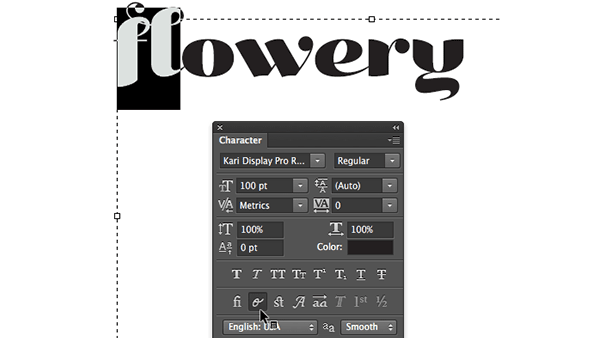
Photoshop Quick Tip: Applying OpenType Alternates
As Ilene Strizver wrote in a recent TypeTalk, you can use alternate characters i...

Adobe's Guide to Tuning Photoshop for Peak Performance
If you do a lot of Photoshop work, it behooves you to spend some time to configu...

The Most Powerful Panel in Illustrator
Imagine a panel that is so powerful it can control everything about the appearan...