




In this InDesign how-to video, Colleen Gratzer shares tips for creating a table of contents and how to create PDF bookmarks from that TOC. She demos how the TOC items become bookmarks and then goes on to demo how to create additional bookmarks from within Acrobat itself. As a bonus tip, Colleen shows how to create multiple tables of contents in the same InDesign file.
New videos every other Tuesday on our CreativePro YouTube channel. Be sure to subscribe so you don’t miss any!
This article was last modified on August 29, 2025
This article was first published on August 22, 2021
Commenting is easier and faster when you're logged in!

Recommended for you

How to Extract a Table from a PDF in Acrobat
Get your data out of a PDF and into an Excel Workbook with this quick Acrobat tr...
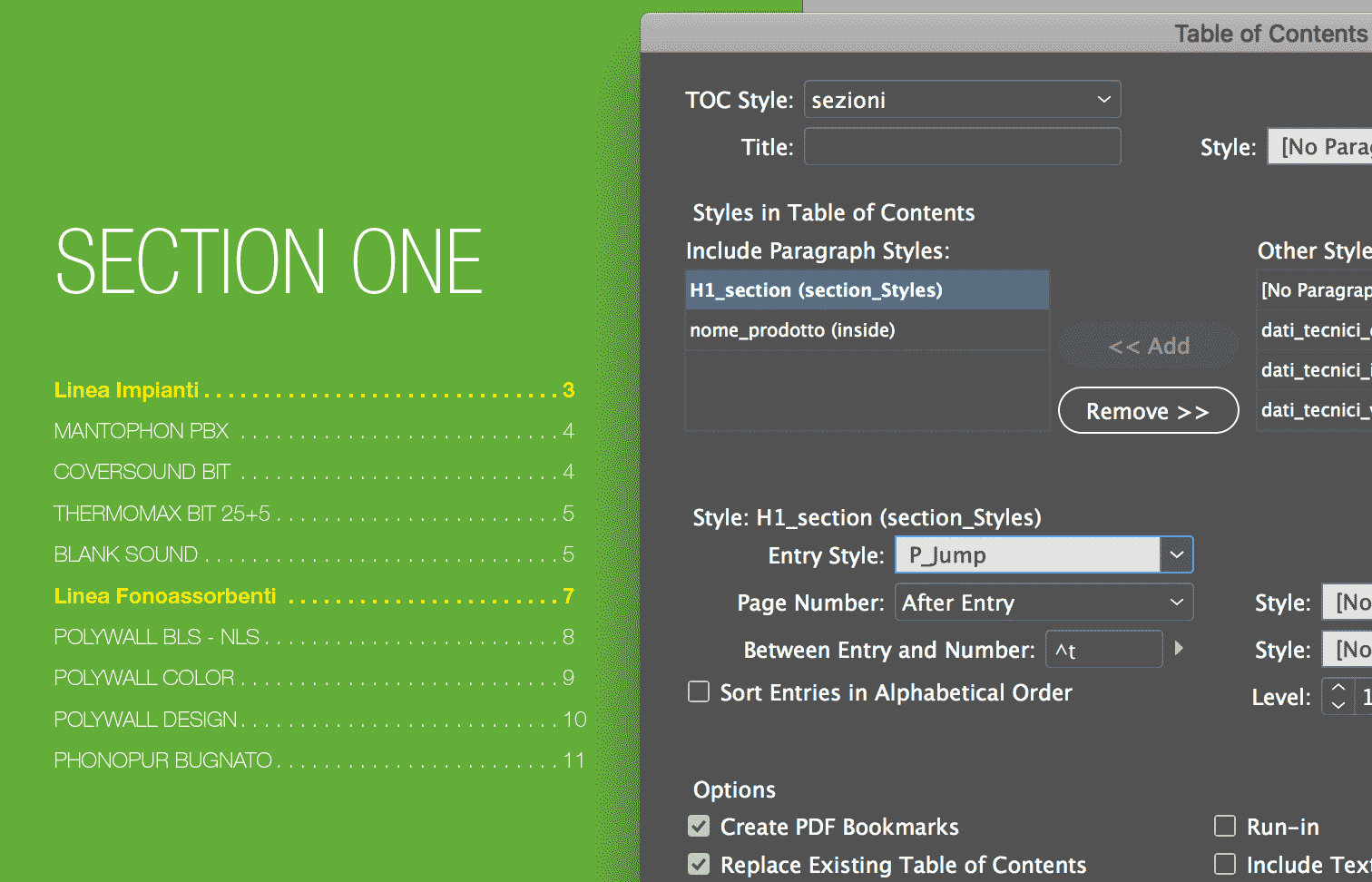
Creating a Table of Contents for a Subsection of a Long Document
I work with a lot of long documents, and here’s a question I often get fro...

CreativePro Video: Delete Blank Pages in Adobe Acrobat
In this week’s CreativePro video, David Blatner shows us how to delete multiple...