



Tim Cole has posted a fabulous new tutorial on how to be productive when creating anchored frames frequently. It makes use of the anchored frames feature in InDesign CS2 and CS3, the InDesign Secrets/DTP Tools Keyboard Shortcuts palette, the Story Editor, and drag-and-drop text.
Here’s how it begins:
InDesign’s anchored frames feature is a life-saver for certain types of publishing jobs. If you’re in a situation where you’re creating the same type of anchored frame over and over again, then here’s a tip that might help you work go much faster and save a lot of production time.
This tip is about creating a very useful keyboard shortcut that will enable you to insert a styled anchored frame automatically without having to go through multiple manual steps over and over again.
In this example, I’m laying out a book that contains a marginal outline that’s supposed to serve as an aid to the reader. The marginal outline needs to track with the text, so that as the text is reflowed, the marginal outline frames adjust accordingly. This is exactly what InDesign’s anchored frames are designed to do for you.
Enjoy!
This article was last modified on December 18, 2021
This article was first published on November 10, 2007
Commenting is easier and faster when you're logged in!

Recommended for you
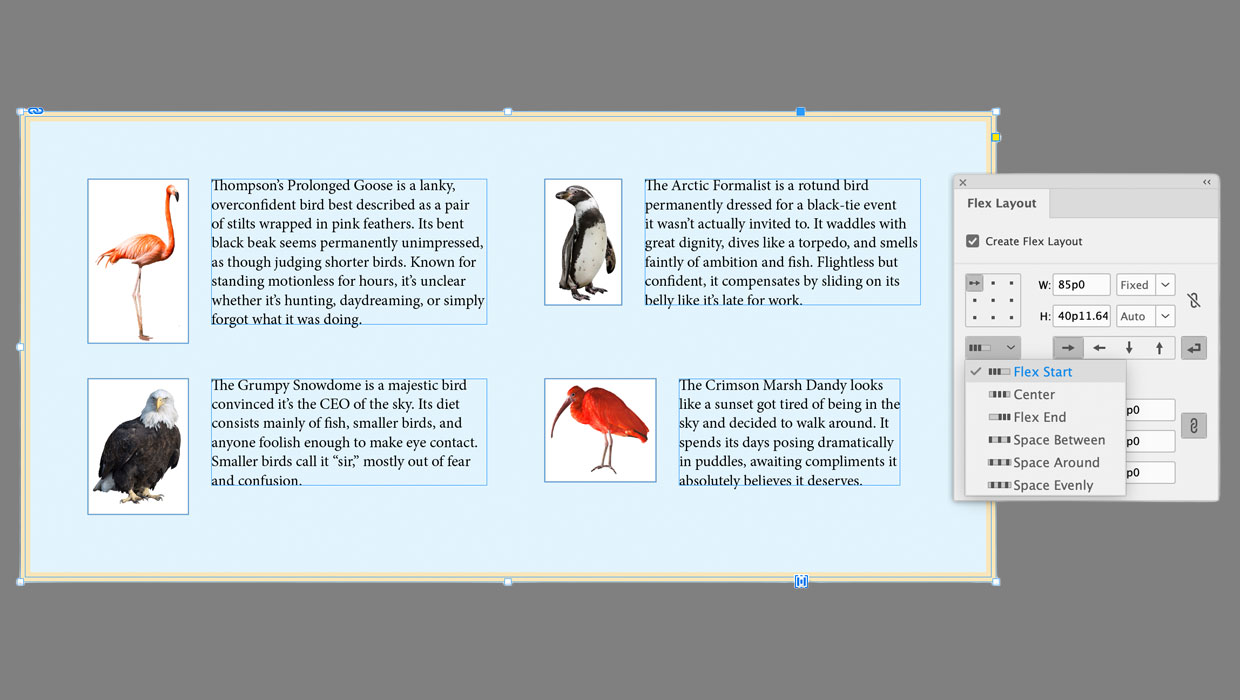
Getting Started with Flex Layout in InDesign
Start exploring a whole new way to create layouts that automatically adapt to th...

Automating Data Handling
InDesign CS2 has a powerful automation capability that very few people use: its...

The Case of the Absent Adornment Contest Answer and Winner
Solve this InDesign mystery for a chance at winning a great prize.