




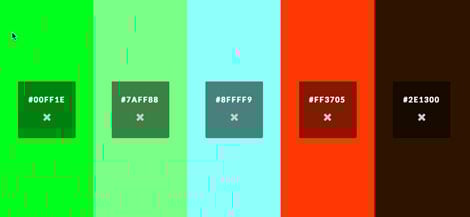
For a new and easy way to experiment with color and generate swatches, check out color.hailpixel.com. It’s a nifty little project created by Devin Hunt, a London-based designer, developer, and entrepreneur. To use the tool, you simply move your cursor around inside the browser window to adjust hue, saturation, and brightness.


The hexadecimal code is displayed in the center of the window, and you can click to save swatches and create sets of multiple colors.
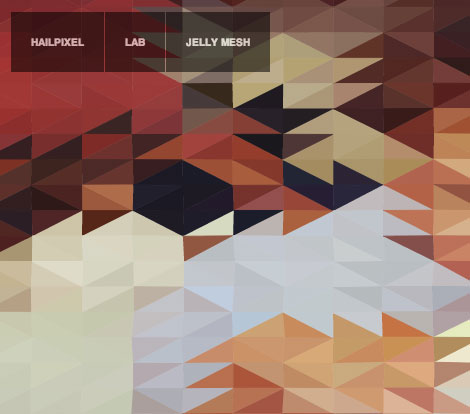
If you like the color tool, also check out Devin’s lab page, where you can play with a geometric mesh and create waves by moving your cursor.
This article was last modified on February 18, 2013
This article was first published on February 18, 2013
Commenting is easier and faster when you're logged in!

Recommended for you

CreativePro Tip of the Week: Increasing the Photoshop Canvas Size with the Crop Tool
This CreativePro Tip of the Week on Increasing the Photoshop Canvas Size with th...

Celebrating a Decade of Camera Raw
It’s time to dig in the fridge for a slice of leftover cake and wish a happy bel...

CMYK vs. RGB
Excerpted from Real World Print Production with Adobe Creative Cloud by Claudia...