




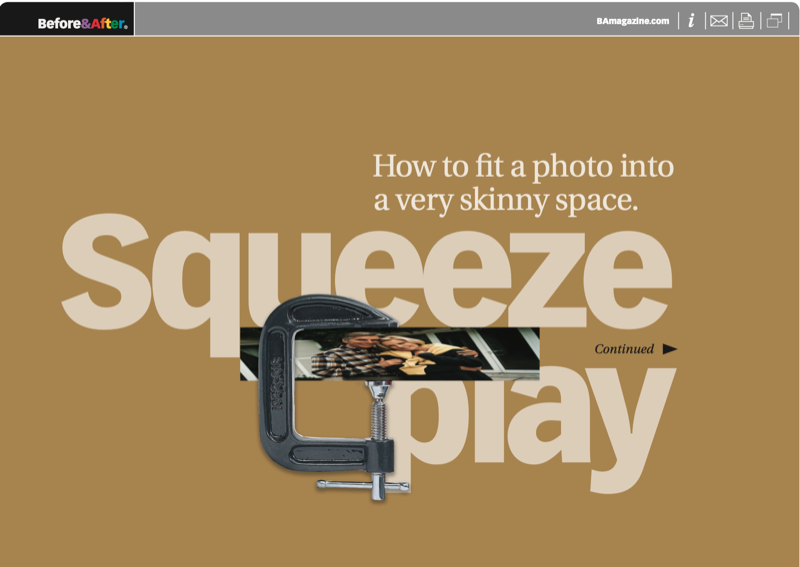
Skinny spaces are everywhere—web banners, newsletter nameplates, single-column ads—but photos come from our cameras in fat, 6″ x 4″ proportions, same as always. How do you get the two together? Here are three techniques. This 13-page article from issue 39 of Before&After Magazine teaches you to fit a photo into a very skinny space.
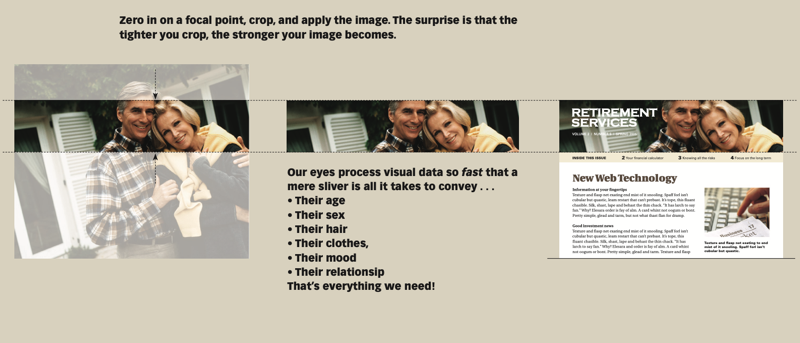
Our eyes process visual data so fast that a mere sliver of an image is all it takes to convey what you need.
© John McWade/Before & After Magazine, courtesy of Gaye Anne McWade.
Commenting is easier and faster when you're logged in!

Recommended for you
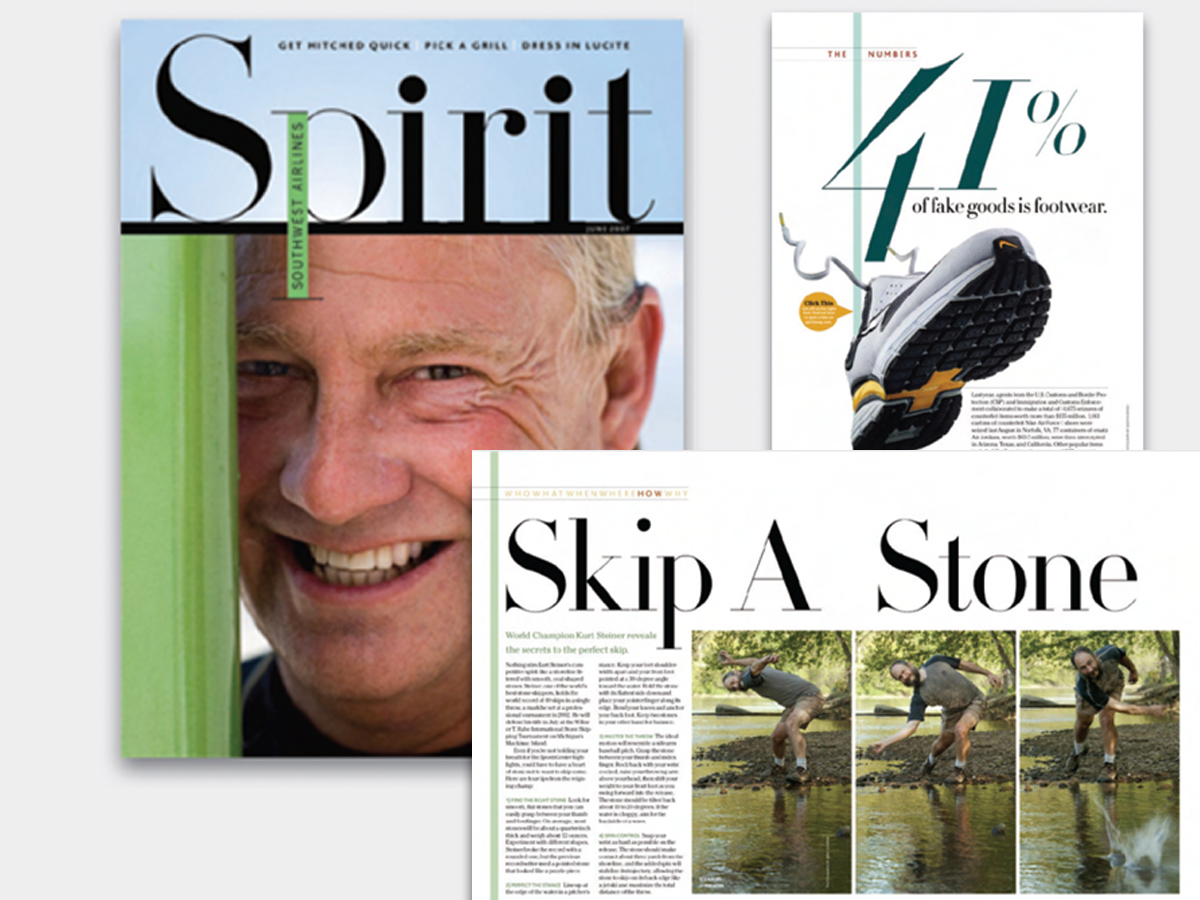
Before&After: Big, Bold, Beautiful
This magazine is a quick read for the busy traveler. Here are the techniques tha...

Before&After: How to Set a Text-Only Logotype
The key to a great logotype is to find a typeface that makes the name look good...

Before&After: Design … a Clock? Yes, a Clock!
Take a clock, pop off the hands, pop in your design, and snap it back together.