



Sooner or later, we all use icons in our presentations. But chances are you might be using them on autopilot, without thinking of how and why they actually function for your audiences. You might also be stuck in a rut using the same ones over and over. This session gets into all the nooks and crannies of the world of icons including their many styles and formats and sources. If you want to up your visual communication game, this session is definitely for you.
Key Takeaways:
- How to choose your icon style and how to stay consistent
- Icon library management and add-in tools
- Where to source your icons from
- How to make your own icons without ever leaving PowerPoint
- Incorporating icons into data visualization
This article was last modified on April 24, 2025
This article was first published on January 3, 2025
Commenting is easier and faster when you're logged in!

Recommended for you

Find All Your Current InDesign Keyboard Shortcuts
You probably know that you can create your own keyboard shortcuts in InDesign, b...
KPG Simplifies Color Management With New Kodak Colorflow Custom Color Tools
Kodak Polychrome Graphics (KPG) announces the availability of Kodak Colorflow Cu...
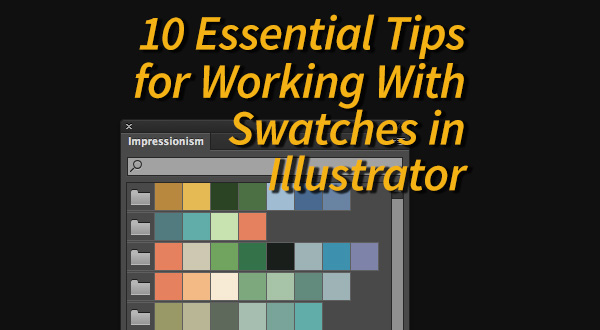
10 Essential Tips for Working With Color Swatches in Illustrator
1. Creating Swatches. To create a process color swatch, select an object with th...