



Many PowerPoint users don’t realize that every slide rests on a template, an essential part of its underlying structure. A poorly designed template costs users time, money, and efficiency, whereas a well-constructed one is key to maximizing productivity and creating professional quality presentations.
In this session, you’ll learn how to set up slide masters, apply font themes, and work with color themes. You’ll also learn about what fonts to steer clear of, using background styles to make sure text doesn’t disappear, and avoiding “orphaned” layouts.
Key Takeaways:
- Understanding the difference between templates and themes
- Creating effective, functional layouts
- Setting up and optimizing theme fonts
- Best practices for developing color themes
This article was last modified on April 24, 2025
This article was first published on January 3, 2025
Commenting is easier and faster when you're logged in!

Recommended for you

New Contest! The Riddle of the Inverted Arrows
Hey folks, it’s time for another InDesign mystery that you can solve for a...

TypeTalk: Unplumbed Depths
TypeTalk is a regular blog on typography. Post your questions and comments by cl...
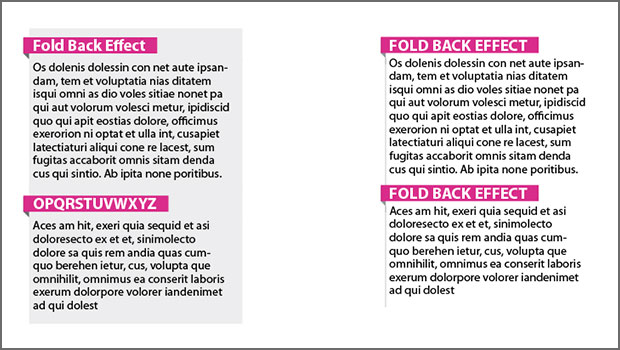
Creating a “Fold Back” Heading Effect in InDesign with a Paragraph Style
Create a fun "fold back" text effect without using anchored objects or custom fo...