



Let’s delve into advanced accessibility techniques and explore the differences between tagging content and writing alt text. Learn how to effectively use both strategies to enhance document accessibility and ensure compliance with accessibility standards.
Key Takeaways:
- Understanding the roles of tagging and alt text in document accessibility
- Techniques for effectively tagging content and creating descriptive alt text
- Best practices for optimizing document accessibility using tagging and alt text
This article was last modified on April 24, 2025
This article was first published on October 23, 2024
Commenting is easier and faster when you're logged in!

Recommended for you

Changing the Default Stroke to Inside or Outside (instead of centered)
When you want to change the default stroke, you need to remember these few essen...
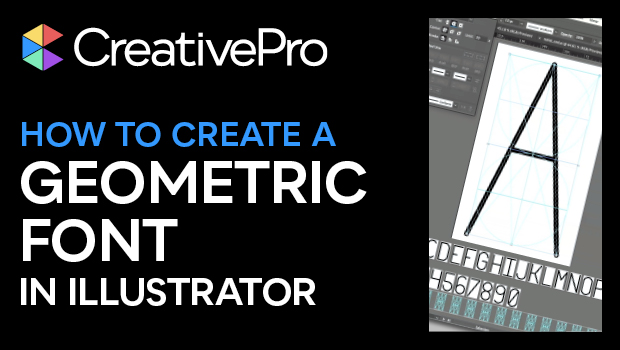
How to Create a Geometric Unicase Font in Illustrator
Learn how to create a unicase font in Illustrator using the Live Paint bucket an...

Tip of the Week: Making Neon Type Effects
This InDesign tip on making neon type effects was sent to Tip of the Week email...