




Google Slides has become a go-to tool for many businesses, but if you’re used to PowerPoint or Keynote, it can feel overwhelming when a client or your boss demands you use it for your next big presentation. In this session, we’ll help you navigate that shift with confidence. You’ll discover the essential skills needed to excel in Google Slides and learn how to harness its real-time collaboration features to your advantage. Whether you’re new to the platform or want to sharpen your skills, this session will give you the tools to make any presentation shine.
Key Takeaways:
- Mastering the interface: Key differences from PowerPoint
- Managing real-time collaboration and avoiding overwrite chaos
- The data dilemma: Generating graphs & safeguarding data
- Hidden tools, tips, and tricks that will delight you
This article was last modified on April 25, 2025
This article was first published on April 4, 2025
Commenting is easier and faster when you're logged in!

Recommended for you
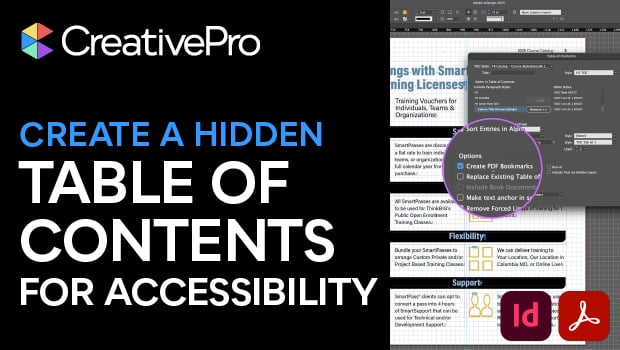
How to Create an Accessible—and Hidden—Table of Contents in InDesign
Create invisible but accessible PDF bookmarks with Pariah Burke.

Set the Size of Text Exactly (based on cap or x-height)
Font sizes lie (72 point text isn't exactly 72 points tall). But this free scrip...

20 Awesome Scripts You Need to Know About
A collection of handy scripts to help with tasks large and small.