




Testing documents for accessibility is a critical step in creating content that’s inclusive for all users. In this session, we’ll walk through the essential steps to ensure your documents are compliant, accessible, and offer a positive user experience. We’ll review how to use a combination of document checkers and a screen reader to go beyond a simple pass/fail accessibility test. You’ll learn key shortcuts and techniques to catch common accessibility issues in your documents. Whether you’re working with PDFs or other document formats, this session will help you establish an efficient, thorough testing process to ensure your content is truly accessible.
Key Takeaways:
- Discover the key steps to ensure document accessibility and compliance with real-world tools.
- Learn how to use assistive technology to test your documents.
- Go beyond pass/fail compliance checks to evaluate the overall experience for all users.
- Master efficient testing workflows and shortcuts that save time while improving document accessibility.
- Identify common accessibility issues and what the checkers miss.
This article was last modified on May 13, 2025
This article was first published on May 13, 2025
Commenting is easier and faster when you're logged in!

Recommended for you

Welcome to The Digital Art Studio
Digital Art Studio 1: Customizing Photoshop shortcuts This is the first post in...

InDesign FX: Captain Marvel’s Star
So like a few bajillion other folks, I saw Captain Marvel recently. Fun movie, e...
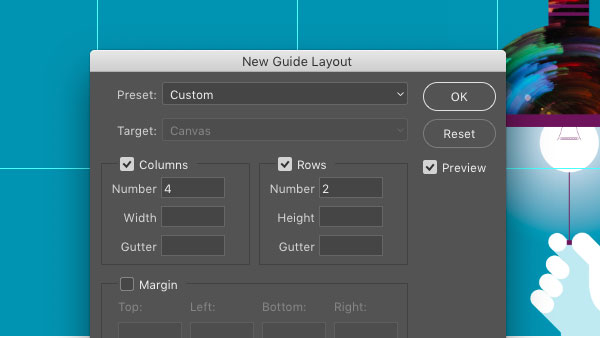
CreativePro Tip of the Week: Creating Guide Layouts in Photoshop
Ever need to create a set of regularly-spaced guides in a Photoshop document? Or...