




PROJECT-BASED SESSION
Whether your long document is dozens of pages or thousands, you can make it flow faster and easier if you understand the fundamentals of multi-file publications. In this project-based session, we’ll explore InDesign’s long-document features, such as the Books panel, table of contents, indexes, bookmarks, file syncing, and more. With guided instruction and shared files, you’ll learn new ways to streamline production, reduce repetitive work, and create documents that are easy to update and maintain.
You’ll learn how to:
- Build and update a table of contents automatically
- Add dynamic content and page numbers with text variables
- Manage multi-part documents with the Book panel
- Manage multi-file versioning, syncing, and updating
This article was last modified on August 6, 2025
This article was first published on July 23, 2025
Commenting is easier and faster when you're logged in!

Recommended for you

Before&After Design Tip: Infuse Life Into Your Charts
Learn how combining photographs with data can enliven your charts.

Add Undo to Your Script
Your first script runs just fine; but what if you run it by accident? Find out h...
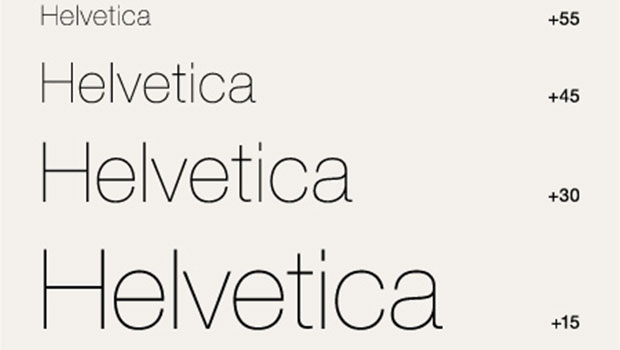
Font Sizing Guidelines Part 2: Spacing Considerations
Q. How does font size affect its spacing? A. In the most recent TypeTalk, we dis...