




This article was last modified on December 13, 2014
This article was first published on
Commenting is easier and faster when you're logged in!
Loading comments...

Recommended for you

Article
This Week in InDesign Articles, Number 93
You've been working hard… you need to take a break! And on your break, che...
Article
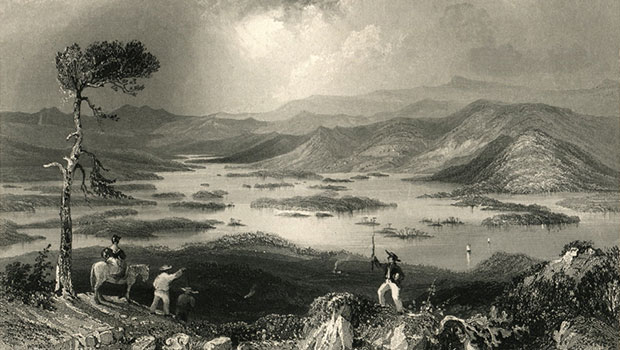
Scanning Around With Gene: Illustrations Carved in Steel
I recently came across an 1883 edition of “Mountain, Lake and River” with illust...

Article
How to Customize the Quick Access Toolbar in PowerPoint
Ready to crank up your PowerPoint efficiency to 11? Customize the Quick Access T...