




This article was last modified on May 2, 2014
This article was first published on
Commenting is easier and faster when you're logged in!
Loading comments...

Recommended for you

Article
Copy Just Part of a Chapter Title to a Header
Here’s a fun challenge: I have a chapter title here that has some extra text in...
Article
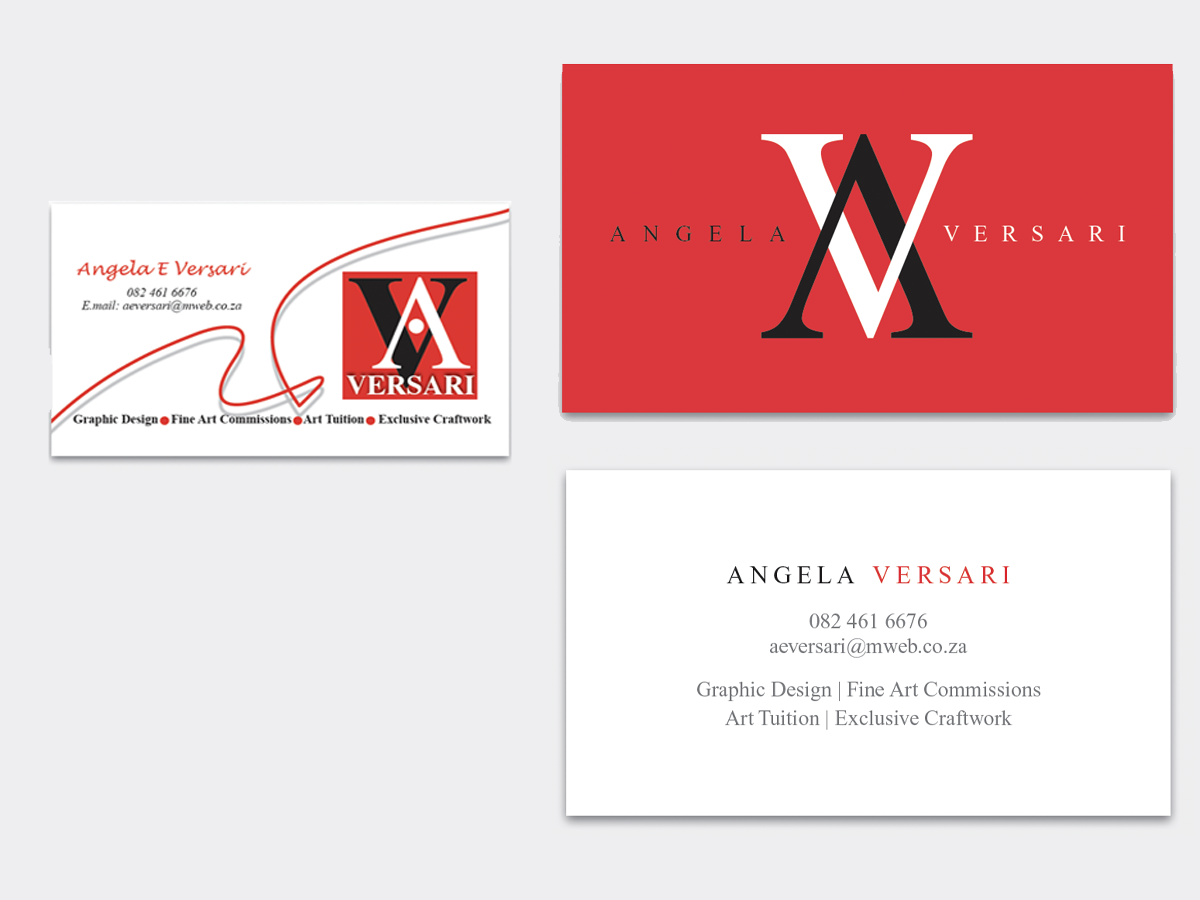
Before&After: Simplify a Business Card in Three Steps
How to redesign a business card that has too much going on.

Article
Top 10 Signs You Should Quit Out Of InDesign And Call It A Day (Or Night)
Struggling? Frustrated? Tired? Quitters never win...or do they?