


Reply To: creating an interactive PDF retail catalog – button activation on multiple pages


This article was last modified on March 27, 2014
This article was first published on
Commenting is easier and faster when you're logged in!
Loading comments...

Recommended for you
Article
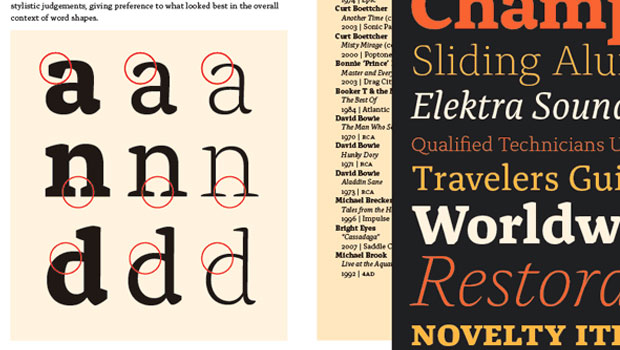
Free Emigre Type Specimen Catalogs
Emigre's type specimen catalogs are known for their beautiful looks and deep div...

Article
Building a “Conditional Text” Document
Andy wrote: We have a long document with numerous paragraphs. We would like to s...
Article
A Down and Dirty Way to Lock Content
Prevent accident changes to finalized content by exporting to InCopy.